




 Garantía de entrega






Artículo: AMZ-B09S9Q9L3P
Generic
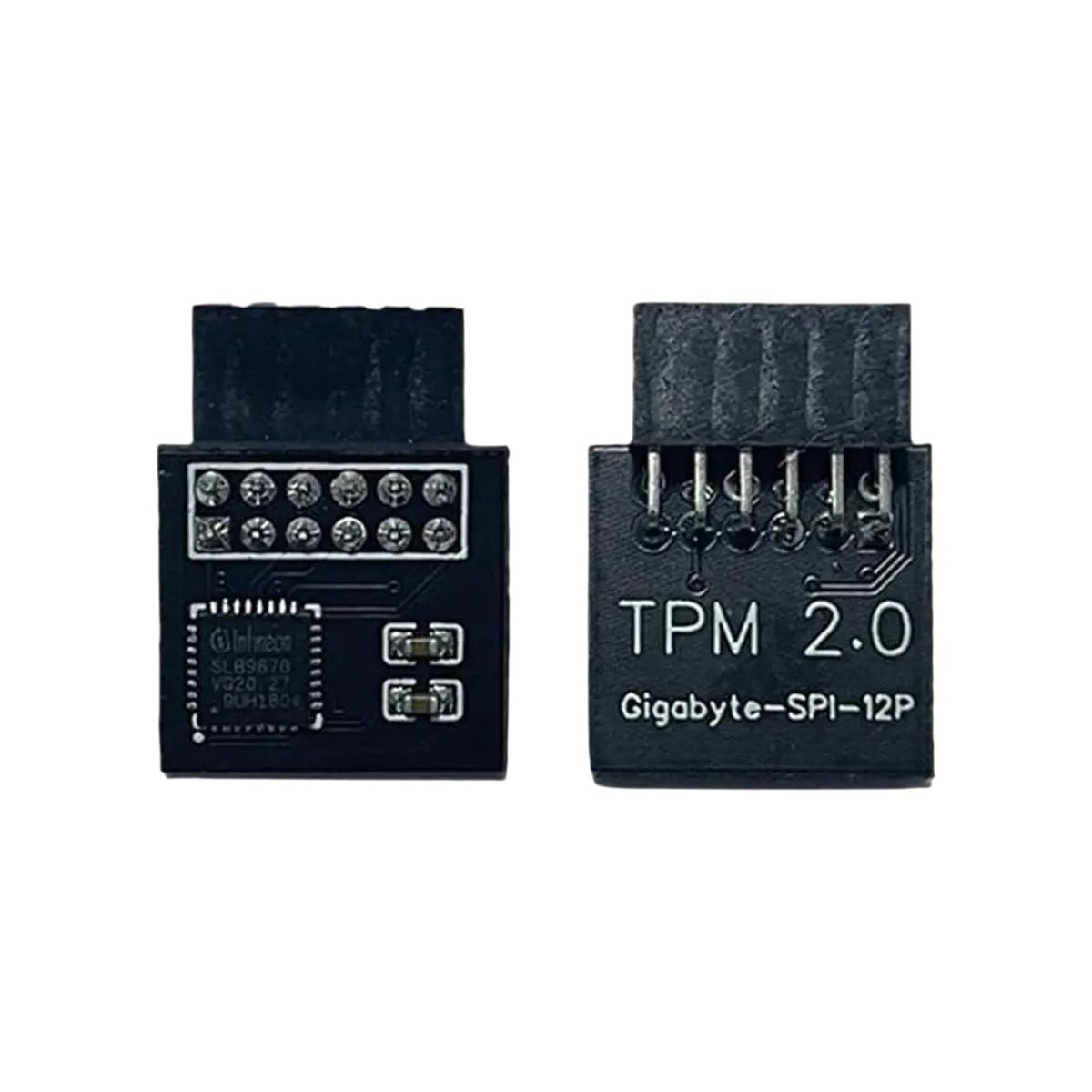
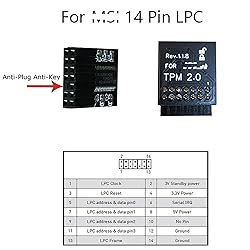
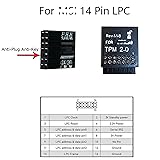
TPM2.0 Security Module 14Pin -LPC M S I (14-1) Trusted Platform for M S I MS -4136-4462
Color:
14Pin
Detalles del producto
Disponibilidad
En stock
En stock
Peso con empaque
0.20 kg
0.20 kg
Devolución
Si
Si
Condición
Nuevo
Nuevo
Producto de
Amazon
Amazon
Viaja desde
USA
USA
Sobre este producto
- Specification: 3 Types: 14 Pin LPC(Optional) Applicable Model: for MSI MS -4136 -4462 Quantity: 1 PCS Package:v 1x TPM2.0 Security Module SPI interface: [Key Features] Compliant to TPM Main Specification, Family "2.0" Hardware and firmware are validated according to FIPS 140-2 Level 2 Meeting Intel TXT, Microsoft Windows and Google Chromebook certification criteria for successful platform [Qualification] Random Number Generator (RNG) according to NIST SP800-90A Full personalization with Endorsement Key (EK) and EK certificate Standard (-20..+85°C) and enhanced temperature range (-40..+85°C) Optimized for battery operated devices: low standby power consumption (typ. 110μA) 24 PCRs (SHA-1 or SHA-256) Minimum of 6962 bytes free NV memory Up to 3 loaded sessions (TPM_PT_HR_LOADED_MIN) Up to 64 active sessions (TPM_PT_ACTIVE_SESSIONS_MAX) Up to 3 loaded transient Objects (TPM_PT_HR_TRANSIENT_MIN) Up to 7 loaded persistent Objects (TPM_PT_HR_PERSISTENT_MIN) Up to 8 NV counters Up to 1 kByte for command parameters and response parameters Up to 768 Byte for NV read or NV write 1420 Byte I/O buffer Built-in support by Linux Kernel
₡ 17,701
IMPORT EASILY
By purchasing this product you can deduct VAT with your RUT number
₡ 17,701
 Llega en 5 a 10 días hábiles
Con envío
 Tienes garantia de entrega
Este producto viaja
de USA ![]() a tus manos en
a tus manos en
![]()
 a tus manos en

Conocé más detalles
Not OEM product but high quality, actual performance may vary by system configuration. Supported status may vary depending on motherboard specifications. TPM chip is compatible with the motherboard's memory module of DDR4. Please note it can't work with DDR3 RAM! Please check the motherboard manual to confirm whether your motherboard supports TPM2.0, which you can check on the official website of the motherboard. M S I motherboards that explicitly say they support TPM 2.0 and have RAM that is DDR4 and above are mostly suitable. Some motherboards need to plug in the TPM module or update to the latest BIOS to enable the TPM option. TPM2.0 is installed to upgrade your computer's system to Windows 11, if your motherboard is DDR3 it does not support the use of this adapted TPM2.0 security module. Before inserting the module, please turn off the power and find the location of the pin on the motherboard where the TPM is written. Note: If you experience that you can't power up the computer after plugging in the tpm module, you can try discharging the BIOS. If you are not sure if your motherboard is compatible with this module, please feel free to ask us!
Compra protegida
Disfruta de una experiencia de compra segura y confiable
![]() Garantía de entrega
Garantía de entrega
Con Tiendamia todas tus compras cuentan con Garantía de Entrega o devolución total de tu dinero.
Compras 100% seguras y garantizadas, para que pidas lo que sueñas y lo recibas del mundo a tu puerta.
Tarjetas de Débito y Crédito
Pagando en Colones ( ₡ )

Visa

Mastercard

American Express
Pagos a través de PayPal
Compra procesada en dólares con dinero en cuenta o tarjetas internacionales.

PayPal

