




 Garantía de entrega


Pawhits
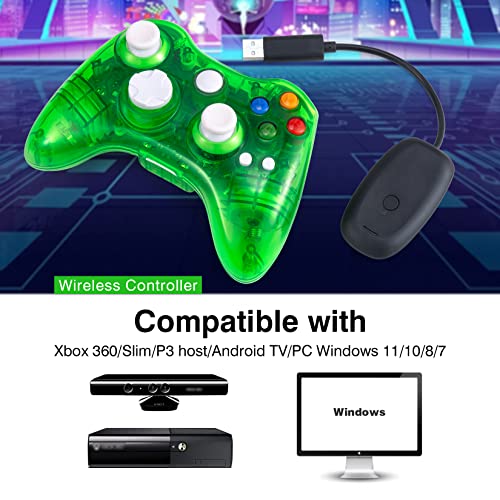
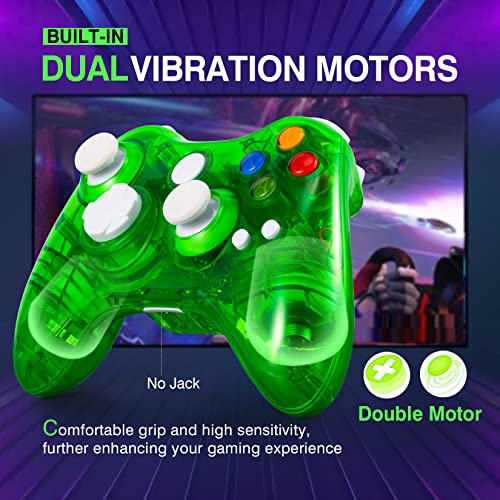
PAWHITS Controller with Cool LED, Charger Compatible with Microsoft Xbox 360 & PC (Windows 11/10/8/7), Upgraded Joystick & Dual Vibration Gamepad Gaming Joypad
Disponibilidad
Sin Stock
Sin Stock
Peso con empaque
0.35 kg
0.35 kg
Devolución
No
No
Condición
Nuevo
Nuevo
Producto de
Amazon
Amazon

Sin Stock
Selecciona otra opción o busca otro producto.
Este producto viaja
de USA ![]() a tus manos en
a tus manos en
![]()
 a tus manos en

Compra protegida
Disfruta de una experiencia de compra segura y confiable
![]() Garantía de entrega
Garantía de entrega
Con Tiendamia todas tus compras cuentan con Garantía de Entrega o devolución total de tu dinero.
Compras 100% seguras y garantizadas, para que pidas lo que sueñas y lo recibas del mundo a tu puerta.
Tarjetas de Débito y Crédito
Pagando en Colones ( ₡ )

Visa

Mastercard

American Express
Pagos a través de PayPal
Compra procesada en dólares con dinero en cuenta o tarjetas internacionales.

PayPal
Conocé más detalles
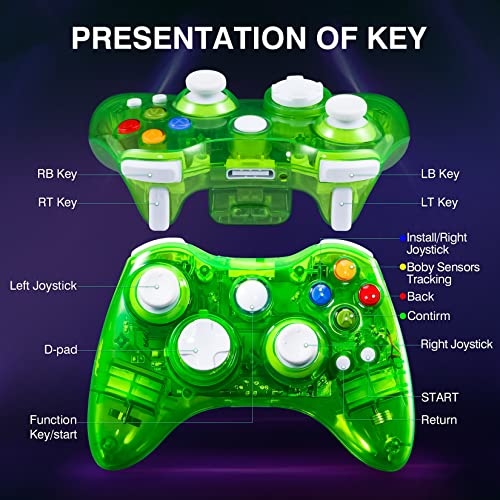
Controller and host connection operation 1) Start the host. 2) Install 2 AA batteries in the battery compartment on the back of the handle. 3) First, press and hold the navigation key in the middle of the wireless controller for about 4 seconds, the four LED lights of the navigation key of the handle flash rapidly, and it must be flashing quickly to enter the pairing mode. 4) Then insert the receiver into the USB port of the host, press the pairing button of the receiver, the LED light of the receiver will flash quickly and enter the pairing state. When the handle is paired with the receiver successfully, the receiver LED light is always on, and the single LED light of the handle is always on. 5) Eight function buttons A, B, Y, X, LB, LT, RT, RB. Control different actions of the characters in the game. 6) Channel indicator: Steady on indicates the player number currently using the controller. 7) Cross key: Select options up and down in the game. 8) Left and right 3D joysticks: Control the movement of characters in the game or the direction control of the entire game screen. This product does not support the headset function. Does not support the charging function.

 Garantía de entrega