




 Garantía de entrega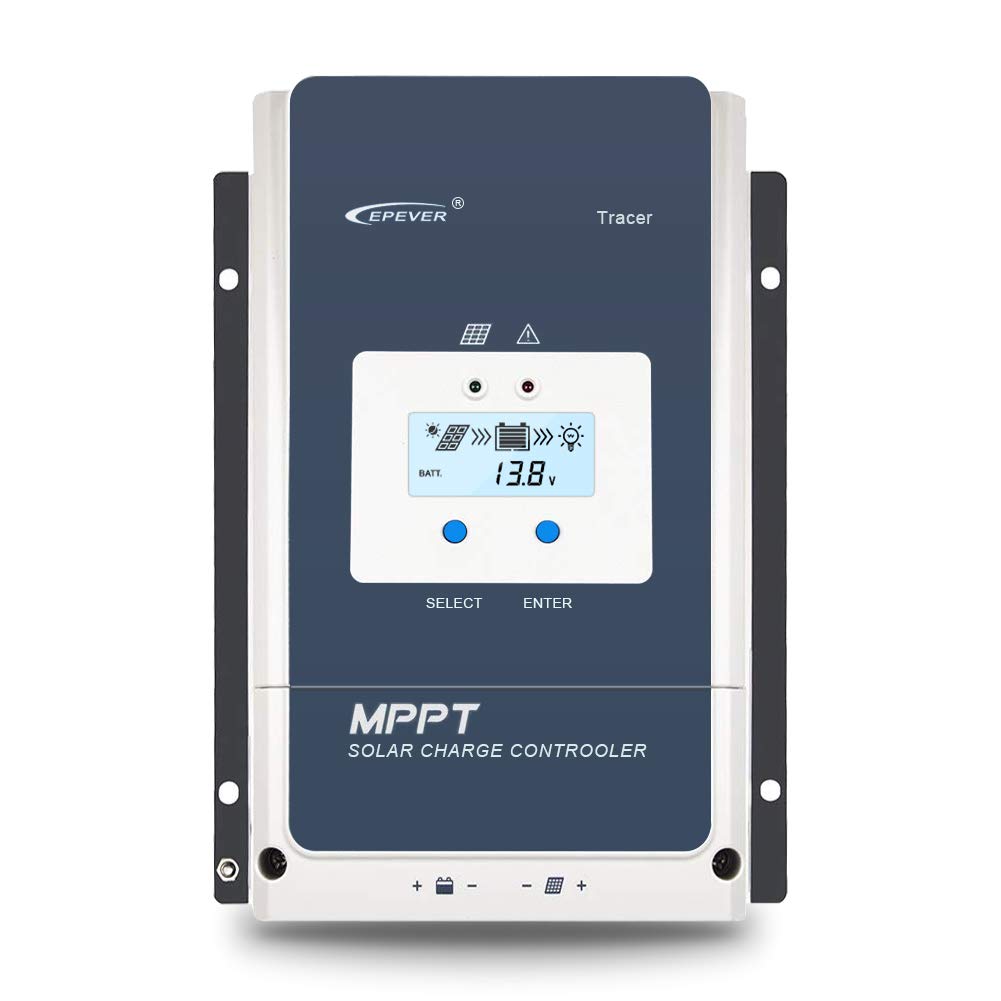






Epever
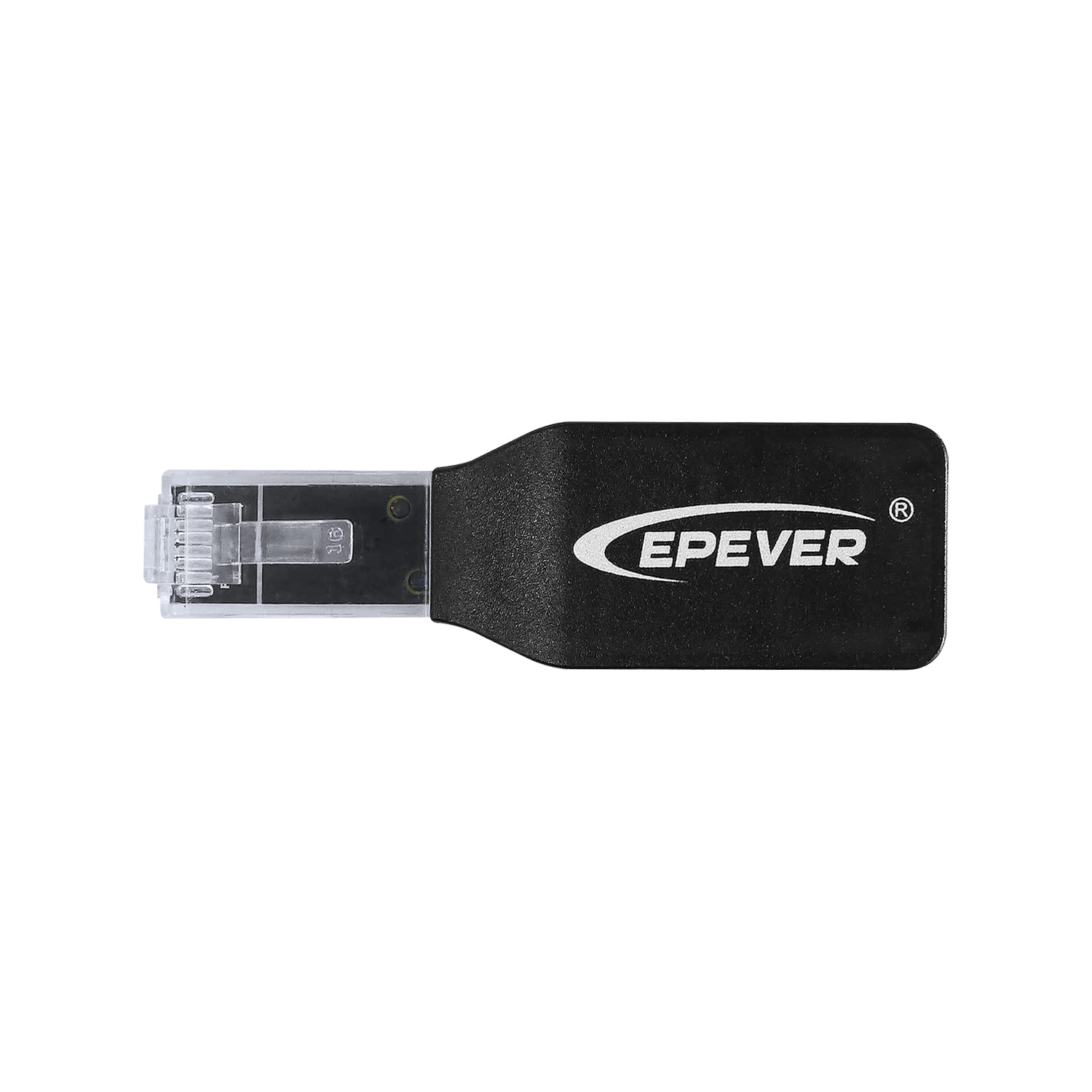
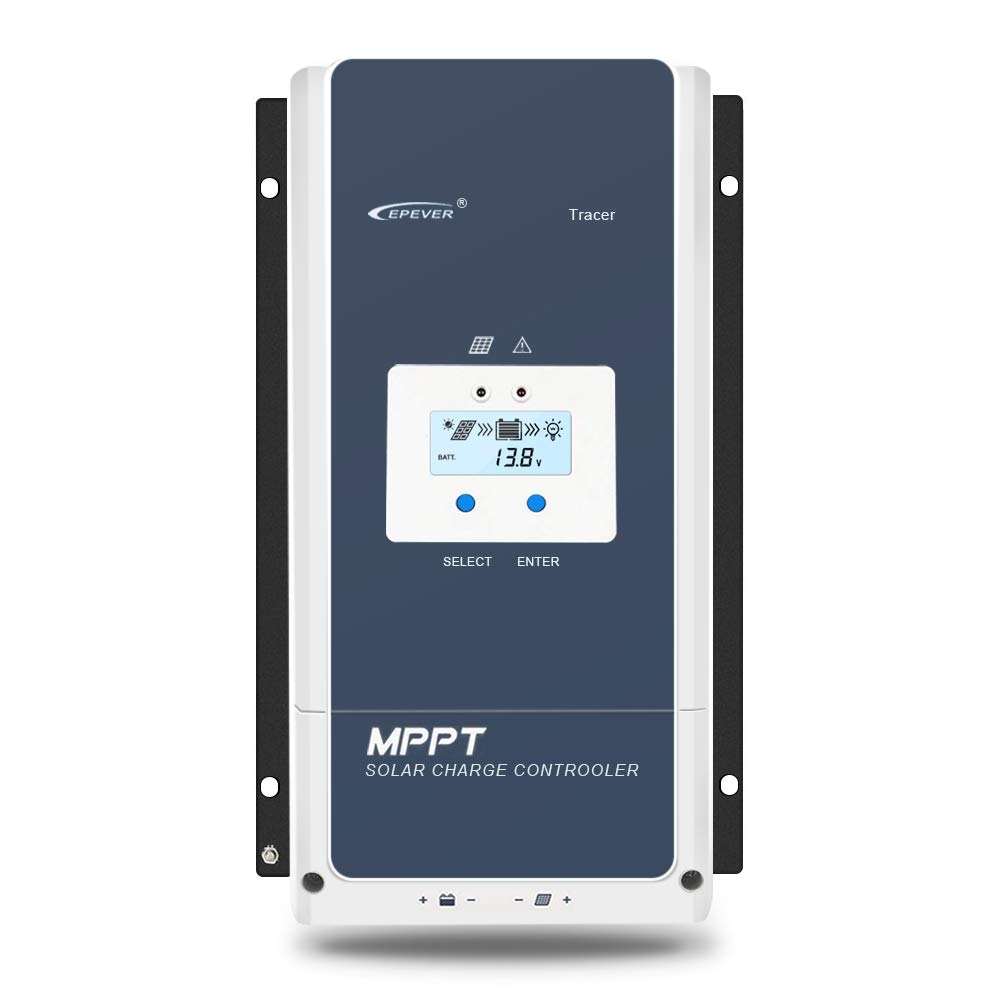
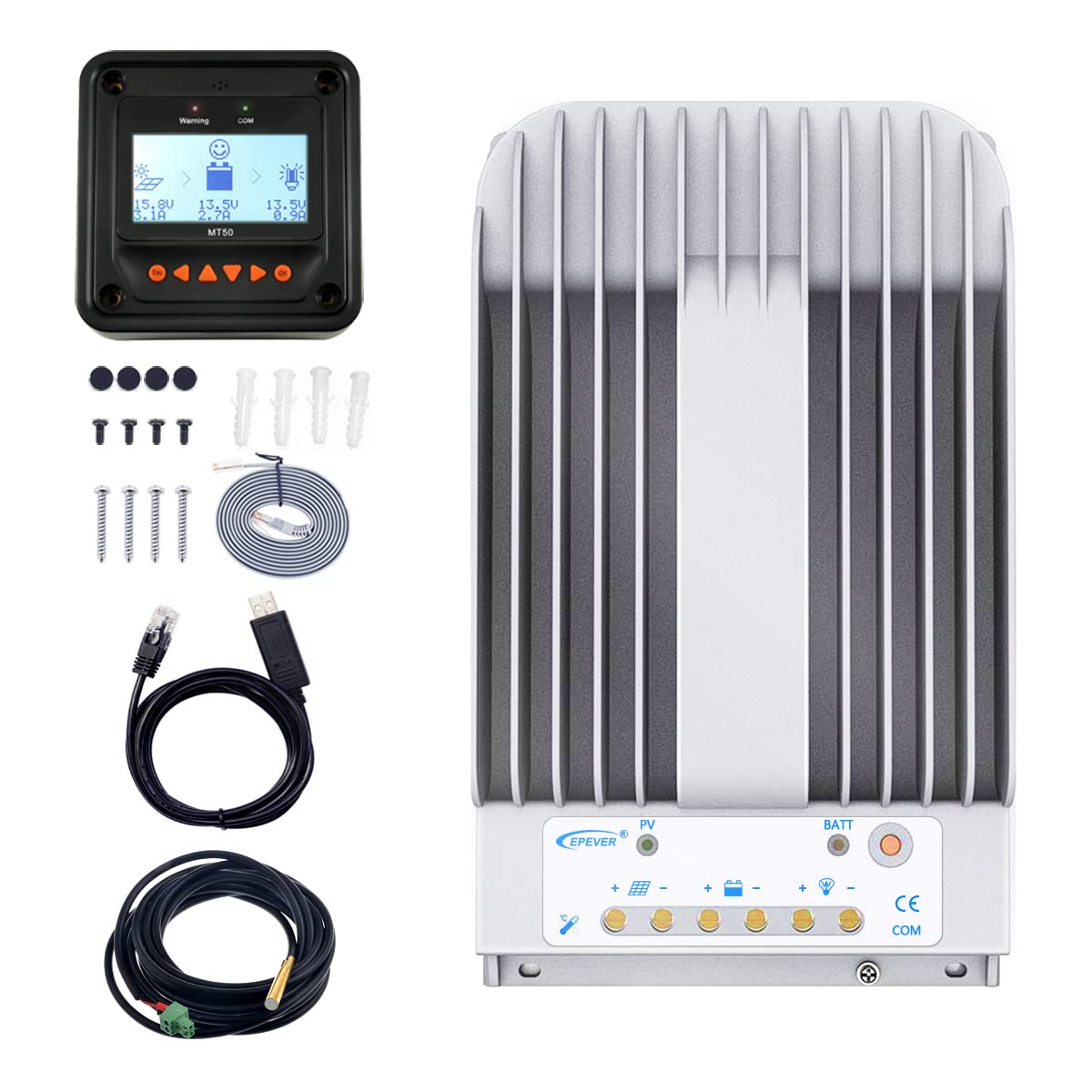
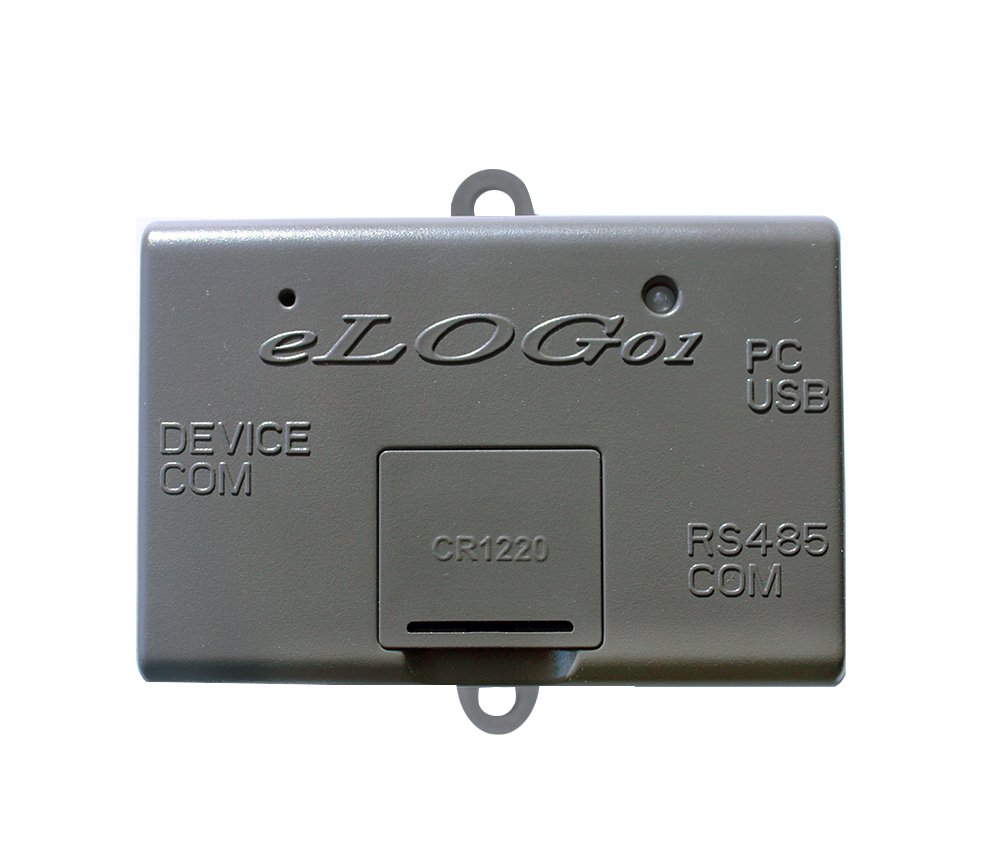
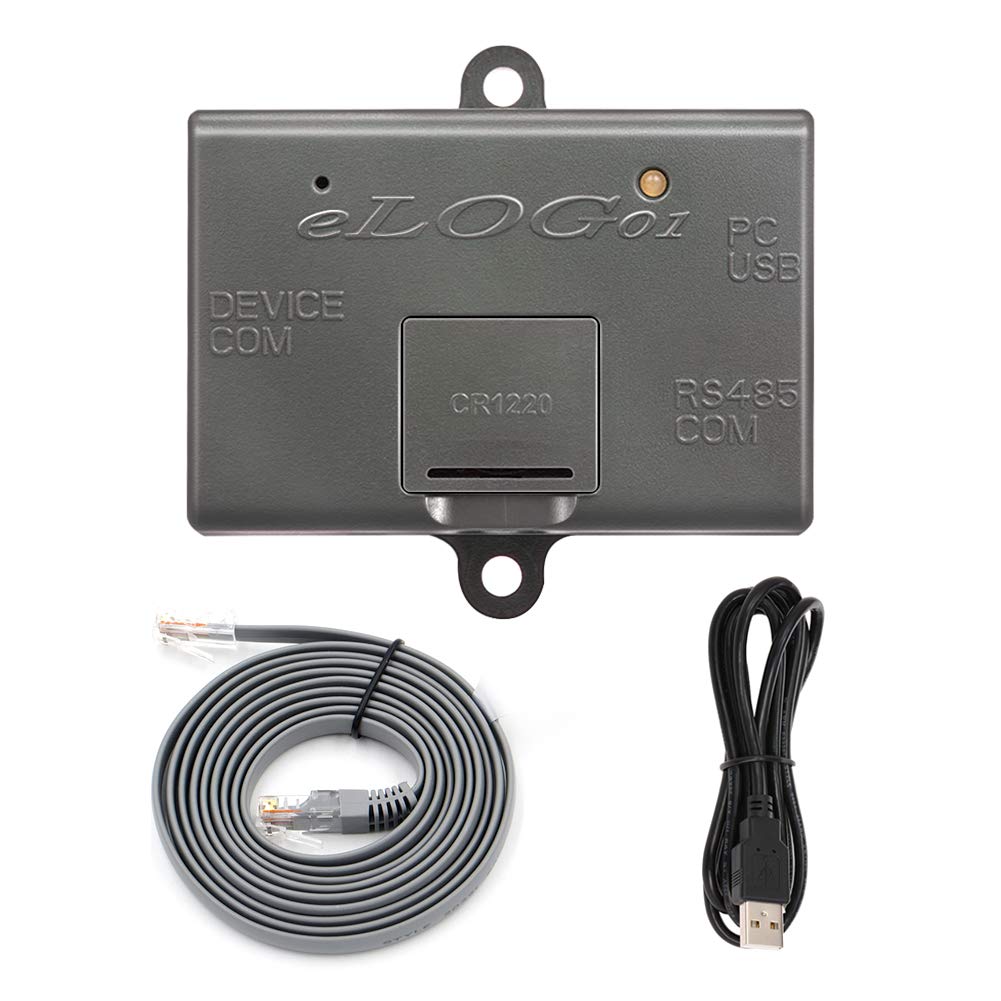
EPEVER WiFi Module 2.4g Remote Control with Real Time Data for Tracer an Plug and Play RJ45 Rs485 Communication (WiFi 2.4G RJ45 D)
Style:
WiFi-D


Disponibilidad
En stock
En stock
Peso con empaque
0.20 kg
0.20 kg
Devolución
Si
Si
Condición
Nuevo
Nuevo
Producto de
Amazon
Amazon
Sobre este producto
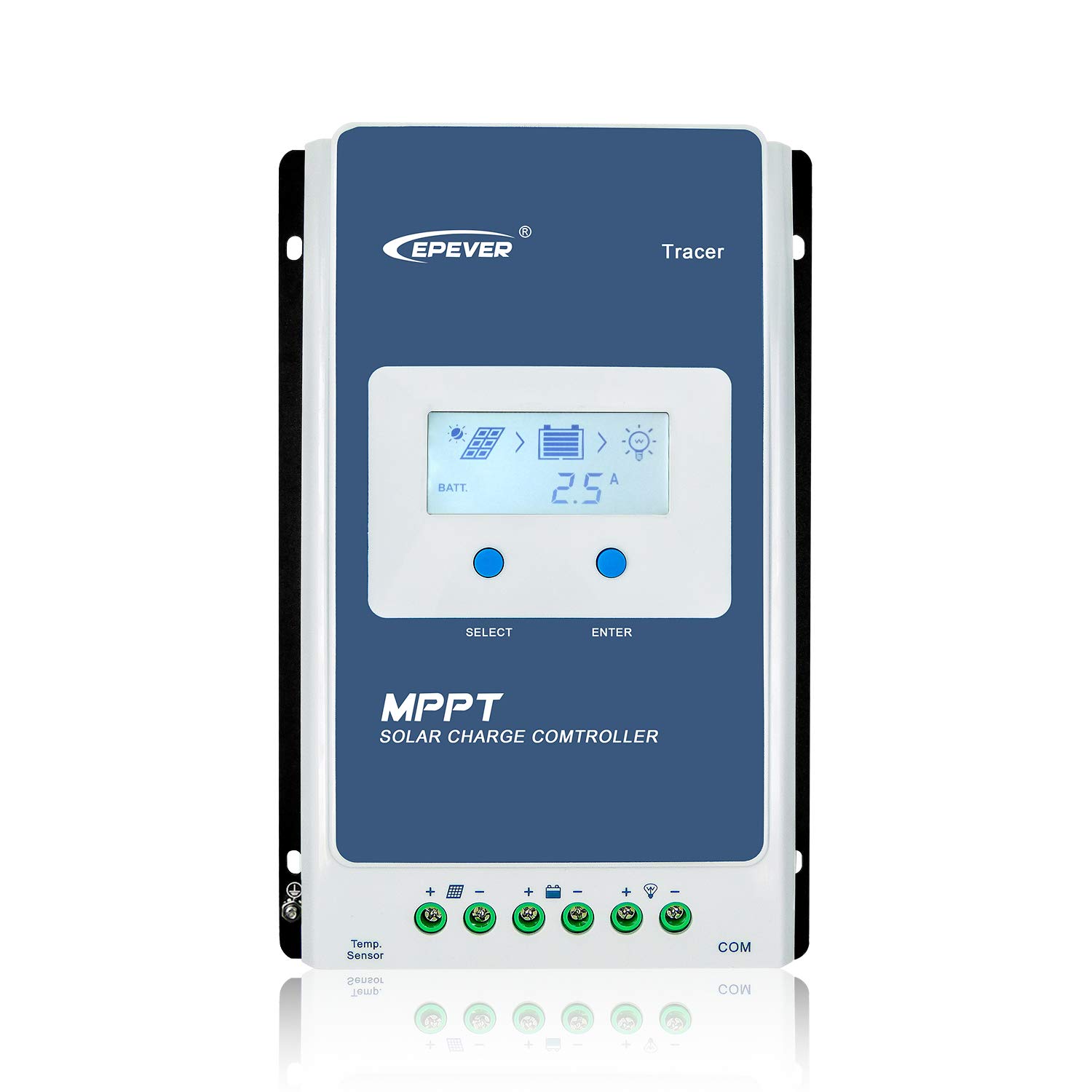
- Suitable for controllers, inverters, and hybrid inverter with RJ45 interfaces.
- The communication port is directly powered, without the need for an external power supply.
- Supports two working modes: offline monitoring and WIFI cloud connection.
- Plug and play, easy and convenient to set up.
- The communication distance can reach up to 20 meters, and without distance limitation via phone APP to control.

Producto prohibido
Este producto no está disponible
Este producto viaja
de USA ![]() a tus manos en
a tus manos en
![]()
 a tus manos en

Compra protegida
Disfruta de una experiencia de compra segura y confiable
![]() Garantía de entrega
Garantía de entrega
Con Tiendamia todas tus compras cuentan con Garantía de Entrega o devolución total de tu dinero.
Compras 100% seguras y garantizadas, para que pidas lo que sueñas y lo recibas del mundo a tu puerta.
Tarjetas de Débito y Crédito
Pagando en Colones ( ₡ )

Visa

Mastercard

American Express
Pagos a través de PayPal
Compra procesada en dólares con dinero en cuenta o tarjetas internacionales.

PayPal
Conocé más detalles
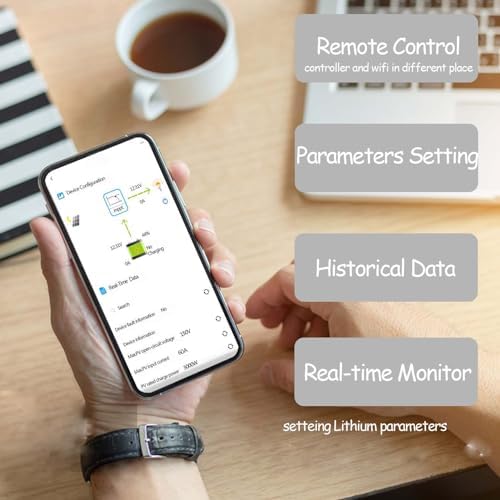
This product is a locally connected 2.4G WiFi network that integrates EPEVER solar controller, inverter, and other components. All kinds of operational data of the physical machine are transmitted in real-time to the WiFi module adapter of EPEVER Cloud server. Can be accessed through cloud servers and mobile devices. Wireless monitoring and parameter setting of on-site devices can be carried out at any time through mobile apps or large screens. Connecting Steps: ***APP & Account*** 1. Download the APP"Solar Guadian". 2. Click "Sign up now" to register an account. 3. Select "Add". 4. “site description”, “user name”, "company" can be filled in virtual information; while "Phone Number" should be filled in a valid phone number. Then, "Save" the information. ***Configure Network Environment*** 5. Select "One Click Add" to add "Gateway SN". Step One:Click "Access Method" and select "EPEVER WiFi 2.4G RJ45D", scan the QR code on the back of the wifi adaptor. Plug it in your epever device Step Two:Enter your home wifi name and password and click "Next Step" Step Three:Click "WiFi Setting" and select the wifi corresponding to "HN-EPXXXX" for network configuration.(HN-EPXXXX password: 12345678.) When success, Click "Next". Step Four:Click on "Network Switch" to select your home WiFi. Then, click "Finish". 6. You can see your device on the page and display "Online" which indicates a successful connection. You are able to use your phone app to modify your system via network.

 Garantía de entrega