




 Garantía de entrega


Artículo: AMZ-B0D3PTBCY5
Avantree
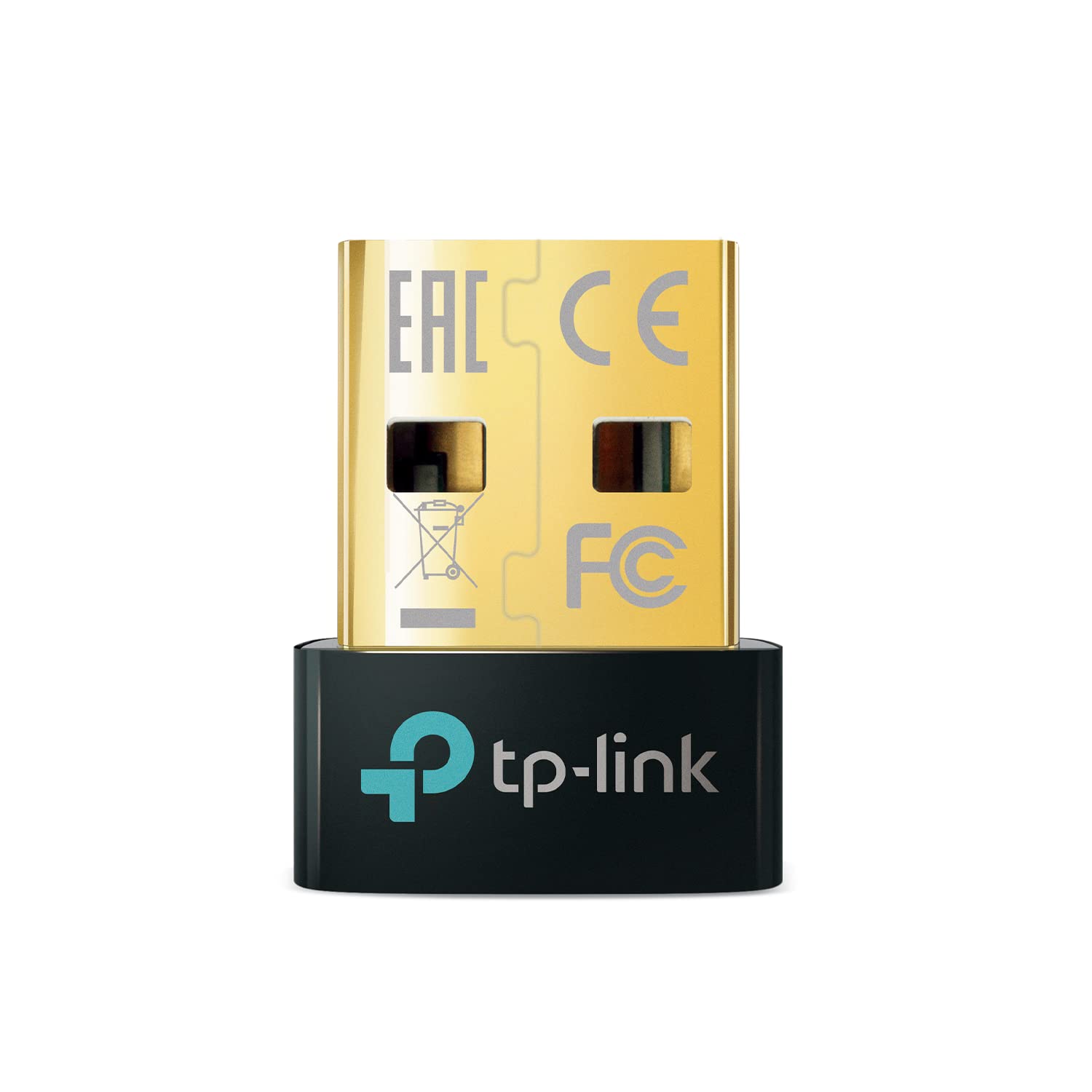
Avantree C81-Gaming - USB-C Bluetooth 5.3 Audio Adapter for PS5, Qualcomm Chip, aptX Adaptive & HD, Premium Sound, Works with AirPods, Bose Headphones & More
Style:
For Gaming
Detalles del producto
Disponibilidad
En stock
En stock
Peso con empaque
0.20 kg
0.20 kg
Devolución
Si
Si
Condición
Nuevo
Nuevo
Producto de
Amazon
Amazon
Viaja desde
USA
USA
Sobre este producto
- Avantree C81-Gaming - USB Type C Bluetooth 5.3 Adapter for PS5 & Gaming Consoles with Low Latency & aptX-Adaptive, Wireless Audio Transmitter for Headphones & Earbuds
₡ 18,064
IMPORT EASILY
By purchasing this product you can deduct VAT with your RUT number
₡ 18,064
 Llega en 5 a 10 días hábiles
Con envío
 Tienes garantia de entrega
Este producto viaja
de USA ![]() a tus manos en
a tus manos en
![]()
 a tus manos en

Conocé más detalles
【For PS5 Users Only】 Specifically designed for PS5 to connect Bluetooth headphones (e.g., AirPods, Bose, & more) for audio playback. For optimal voice chat experience, please use the PS5 controller microphone instead of headphone mics. 【Premium Sound, Low Latency】 Enjoy immersive, low-latency audio with aptX-Adaptive, aptX-HD & aptX-Low Latency. Achieve clear, dynamic audio for gaming and movies with compatible headphones (e.g., Bose QuietComfort Ultra). Note: Only aptX-Adaptive or aptX-Low Latency-enabled headphones support low-latency audio. (e.g., AirPods, Bose QC45 or QC35 do not support aptX-Adaptive and may experience audio delay.) 【Limited Mic Support】 Due to Bluetooth bandwidth limits, microphone input will not work with Bluetooth headphones. Please use the PS5 controller mic for clear voice communication. Manual settings required: PS5 Settings > Sound > Microphone > Input Device: Microphone on Controller. 【NOT FOR 2.4GHz Gaming Headsets & Other Devices】 Not compatible with Xbox, PS Portal, keyboards, mice, controllers, PS5 Pulse 3D Headset, or 2.4GHz wireless gaming headsets. Also, cannot be plugged into TVs, car systems, projectors, or printers. 【Easy Setup & Reliable Connection】 Plug the USB-C dongle into your PS5 and set audio output to “C81-G” once. The adapter auto-reconnects for convenience, but manual microphone setup must be performed for voice chat.
Compra protegida
Disfruta de una experiencia de compra segura y confiable
![]() Garantía de entrega
Garantía de entrega
Con Tiendamia todas tus compras cuentan con Garantía de Entrega o devolución total de tu dinero.
Compras 100% seguras y garantizadas, para que pidas lo que sueñas y lo recibas del mundo a tu puerta.
Tarjetas de Débito y Crédito
Pagando en Colones ( ₡ )

Visa

Mastercard

American Express
Pagos a través de PayPal
Compra procesada en dólares con dinero en cuenta o tarjetas internacionales.

PayPal

