


 Garantía de entrega









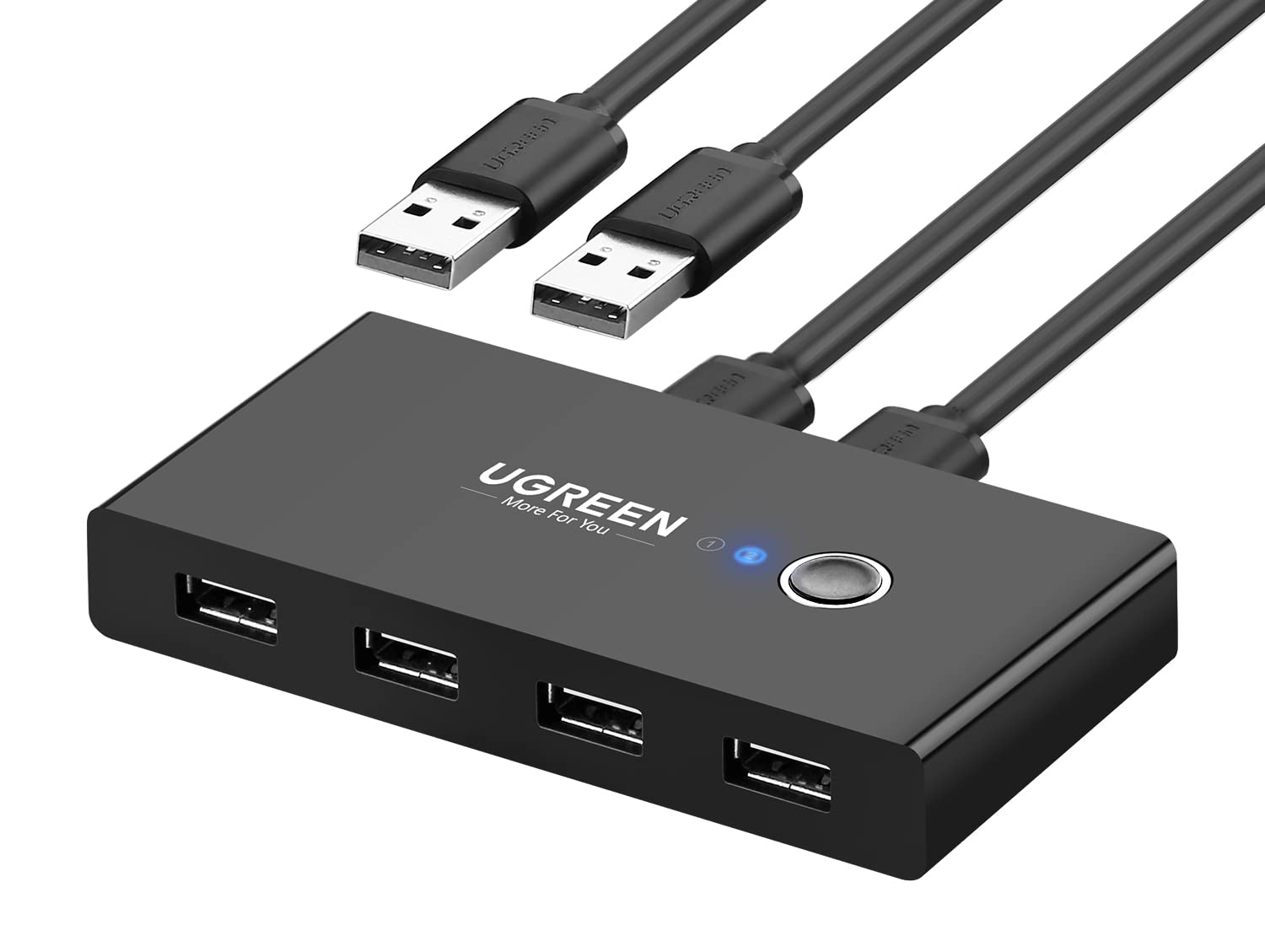

Ugreen
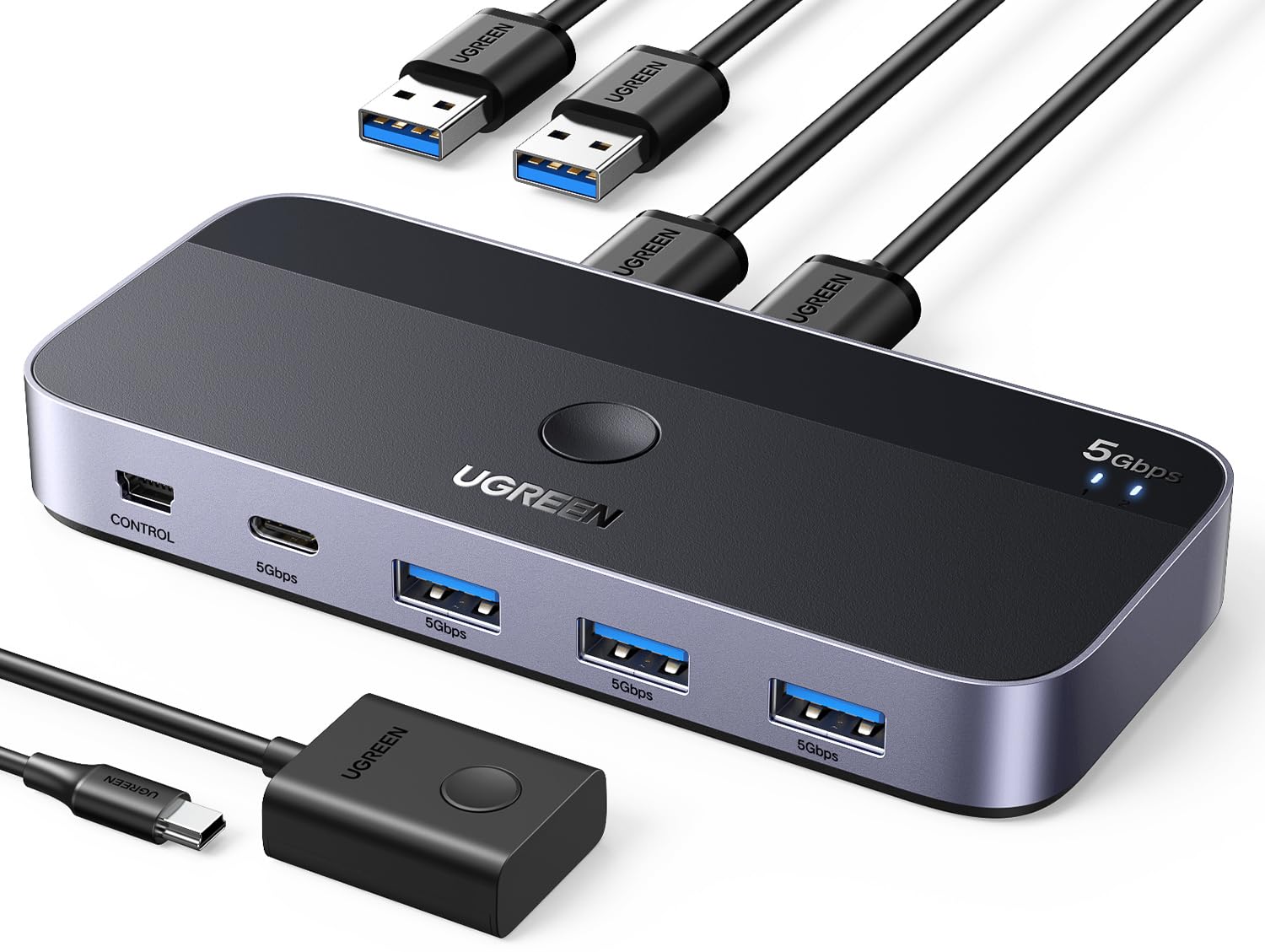
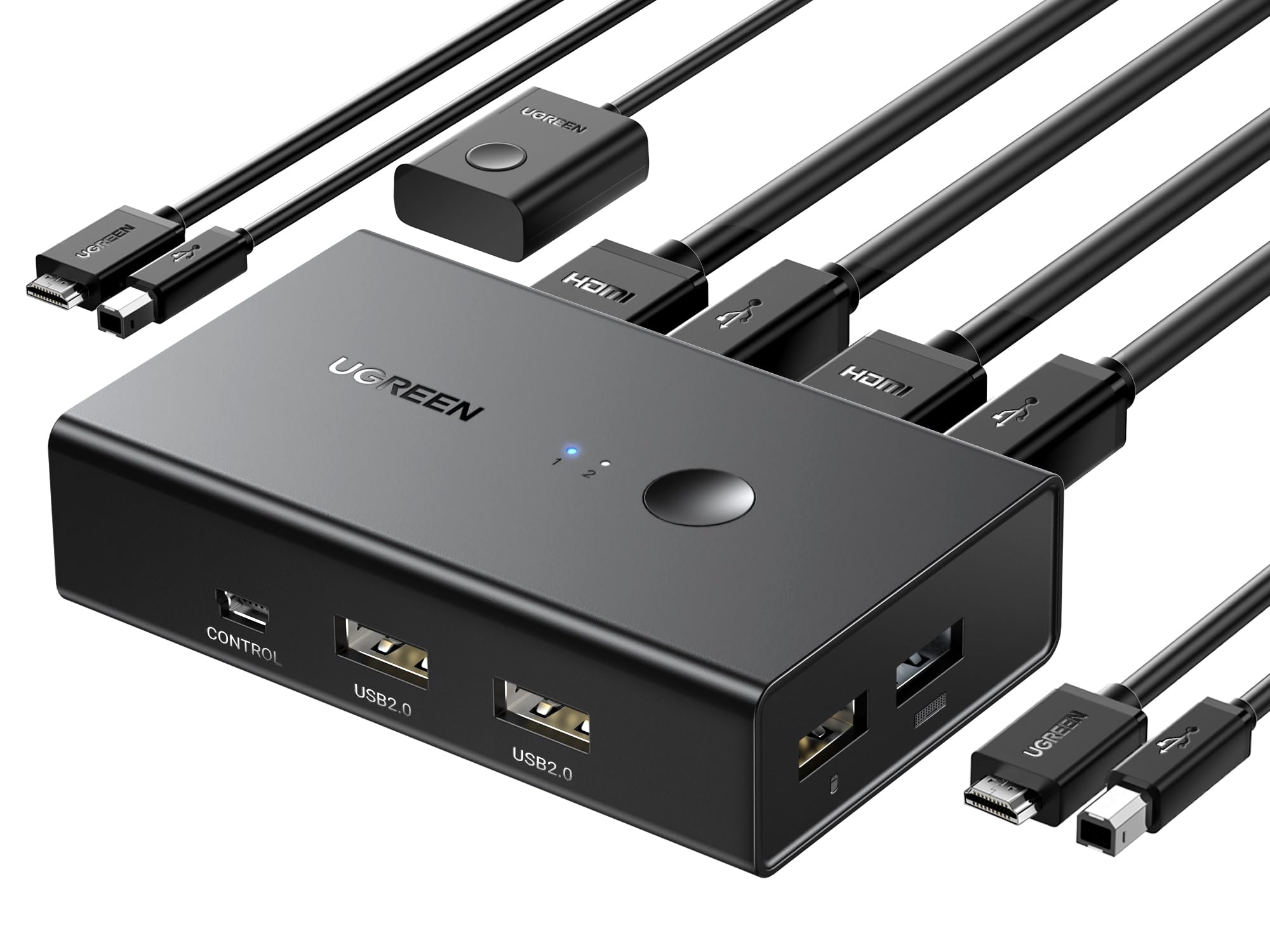
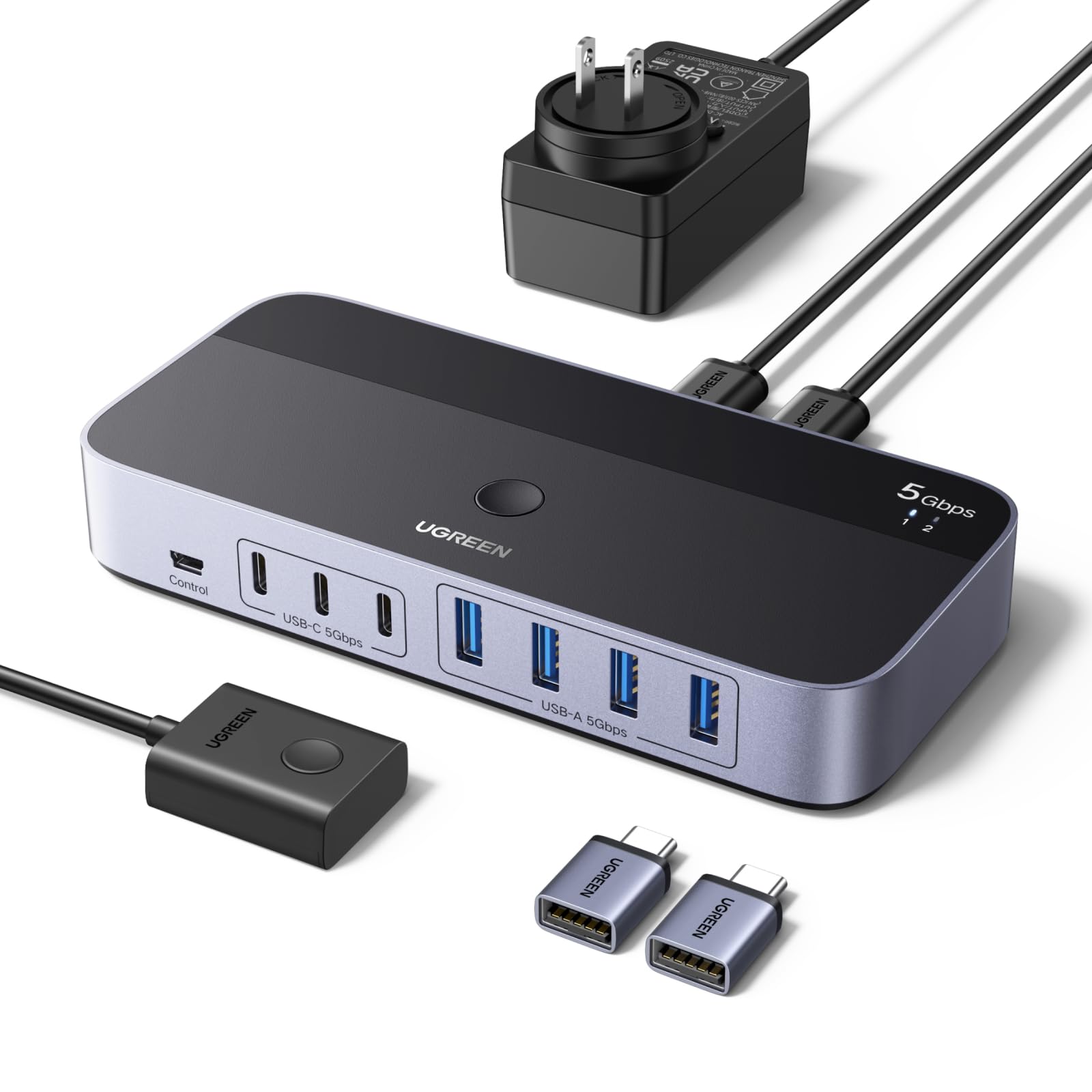
UGREEN USB 3.0 Switch 2 Computers Sharing USB C & A Devices, 4 Port USB Switcher Sharing Keyboard and Mouse, Printer/Scanner USB Switch Hub for Two Computers with 2 USB3.0 Cables and Remote
Color:
Silver


Disponibilidad
En stock
En stock
Peso con empaque
0.42 kg
0.42 kg
Devolución
Si
Si
Condición
Nuevo
Nuevo
Producto de
Amazon
Amazon
Sobre este producto
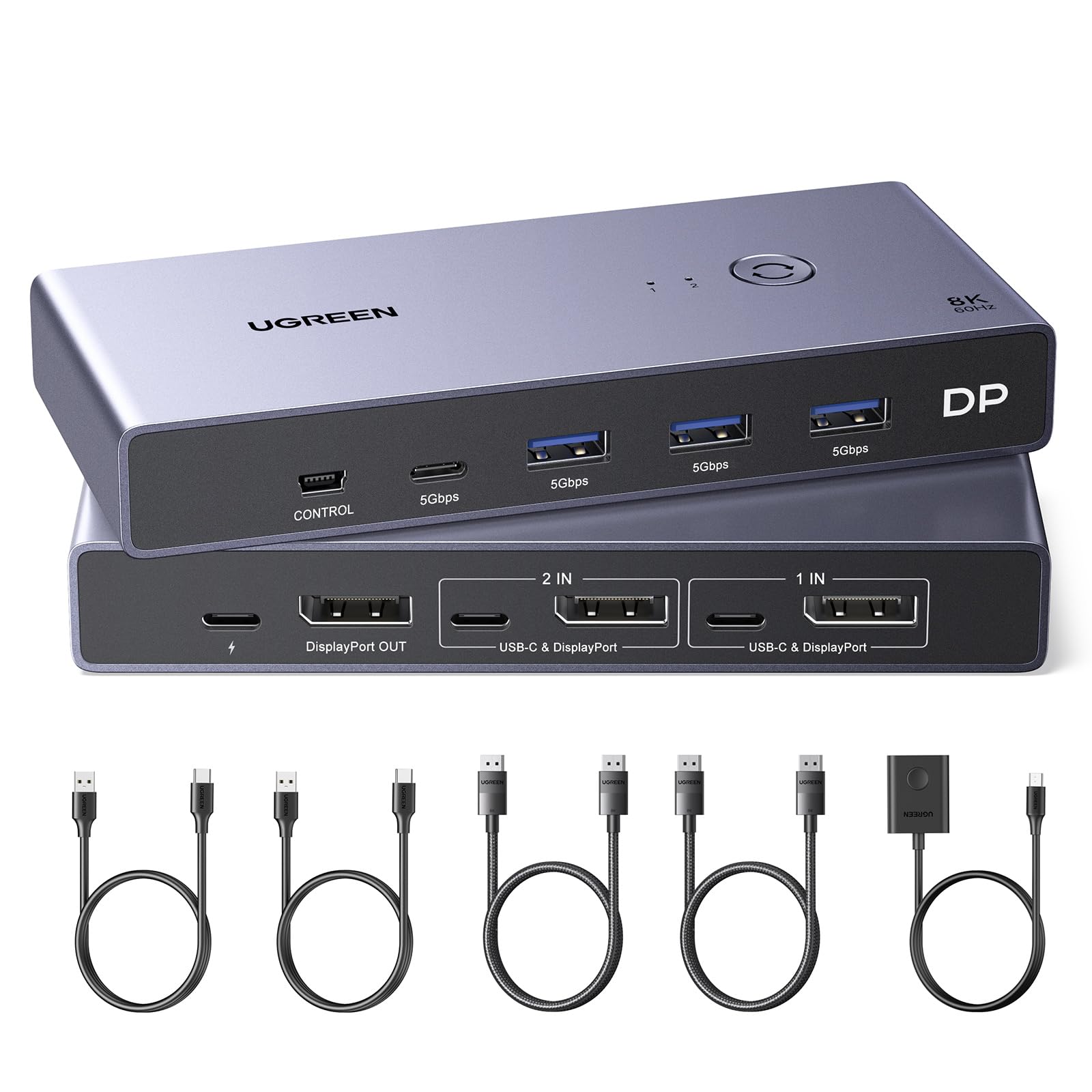
- 2 PCs Share Multiple Devices: UGREEN 4-In 2-Out USB switcher supports 2 computers sharing 4 USB devices like keyboards, mouses, printers, headphones, and USB cameras. Switch freely between your work computer and personal computer and boost your work efficiency.
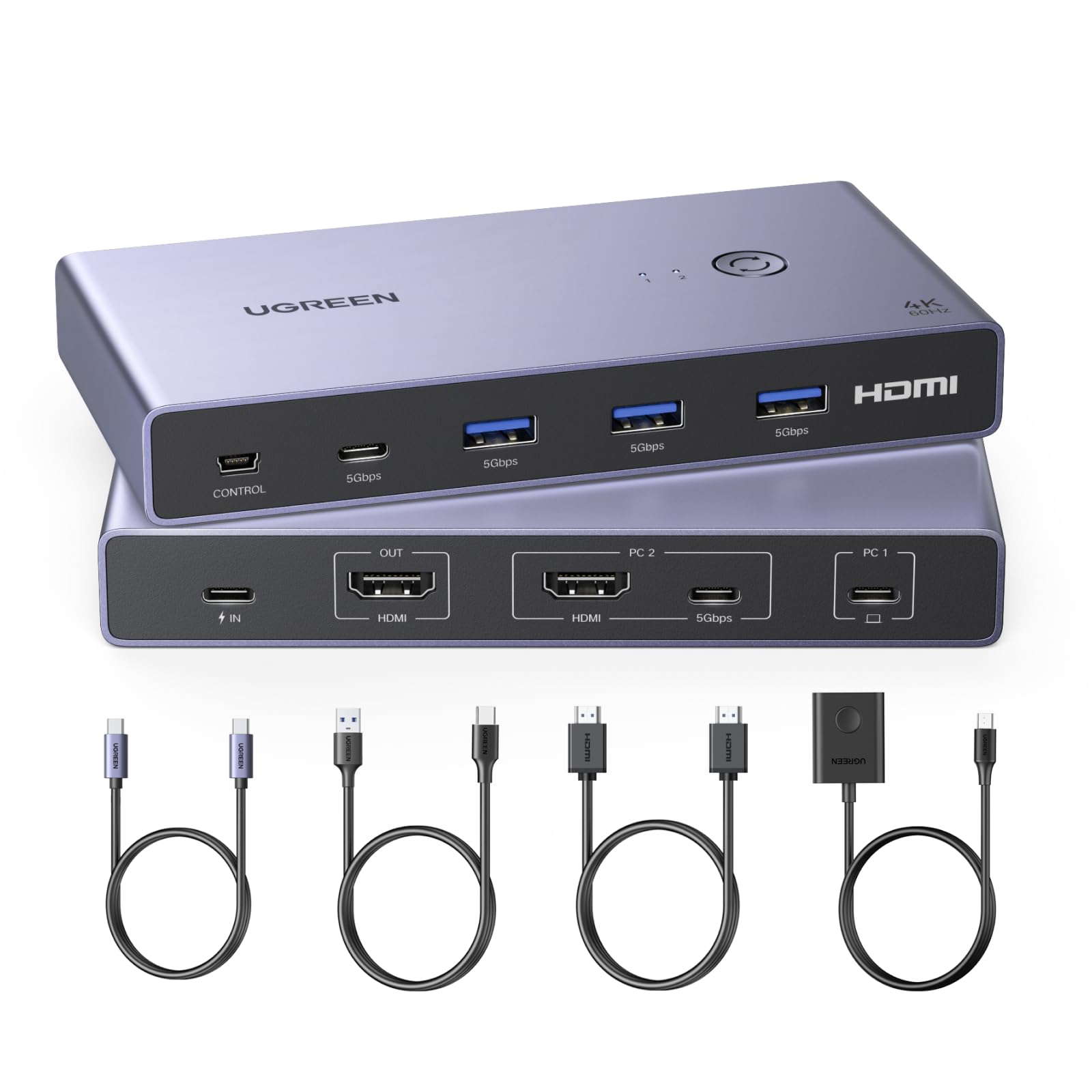
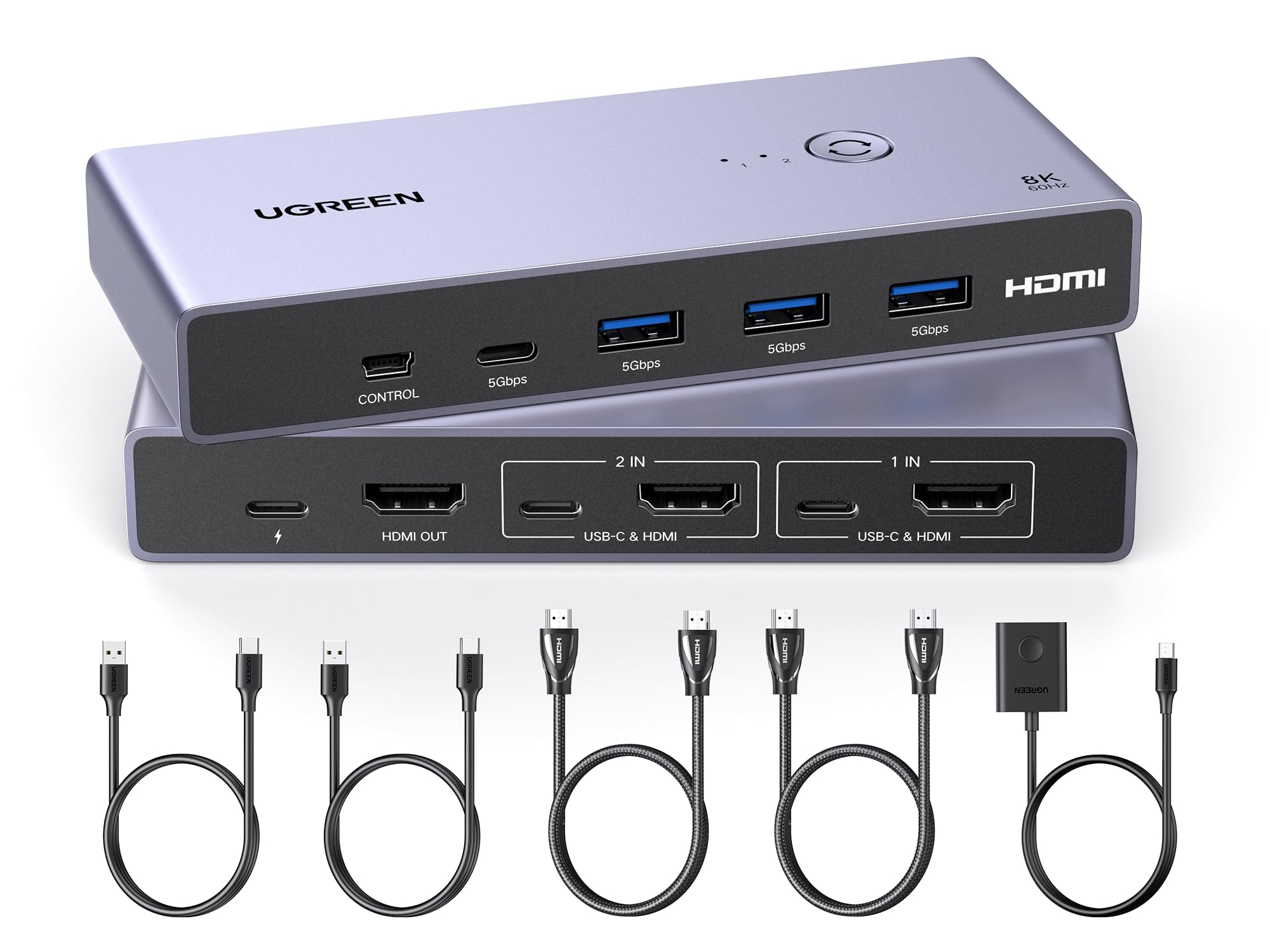
- Connect USB C & USB A Devices: The USB 3.0 switch provides 1 USB C port and 3 USB A ports to support connecting various USB devices. USB C ports can be connected to a USB C hub or other USB C devices, extending more ports for two computers.
- 5Gb Data Transfer / Plug & Play: With 4 USB 3.0 ports, the USB 3.0 switcher supports data transfer up to 5Gbps and is backward compatible with USB 2.0; Simple plug and play for any modern operating system: Windows, macOS, Chrome OS, and Linux computers.
- USB-C Power Supply: The USB switch is designed with a USB-C charging port for high-power devices like Hard Disk Drives, headsets, and other USB devices to work more stably; The Upgraded USB-C Power port avoids the trouble of not finding a micro cable.
- Two Switching Modes: The USB switcher has two switching modes—Remote control and button, switch devices freely as you like.You can hide the USB switch to tidy up the desktop and save space, and then use the remote to switch devices.
₡ 21,882
IMPORT EASILY
By purchasing this product you can deduct VAT with your RUT number
₡ 21,882
Llega en 5 a 10 días hábiles
Con envío
 Tienes garantia de entrega
Este producto viaja
de USA ![]() a tus manos en
a tus manos en
![]()
 a tus manos en


Compra protegida
Disfruta de una experiencia de compra segura y confiable
![]() Garantía de entrega
Garantía de entrega
Con Tiendamia todas tus compras cuentan con Garantía de Entrega o devolución total de tu dinero.
Compras 100% seguras y garantizadas, para que pidas lo que sueñas y lo recibas del mundo a tu puerta.
Tarjetas de Débito y Crédito
Pagando en Colones ( ₡ )

Visa

Mastercard

American Express
Pagos a través de PayPal
Compra procesada en dólares con dinero en cuenta o tarjetas internacionales.

PayPal

