





 Garantía de entrega



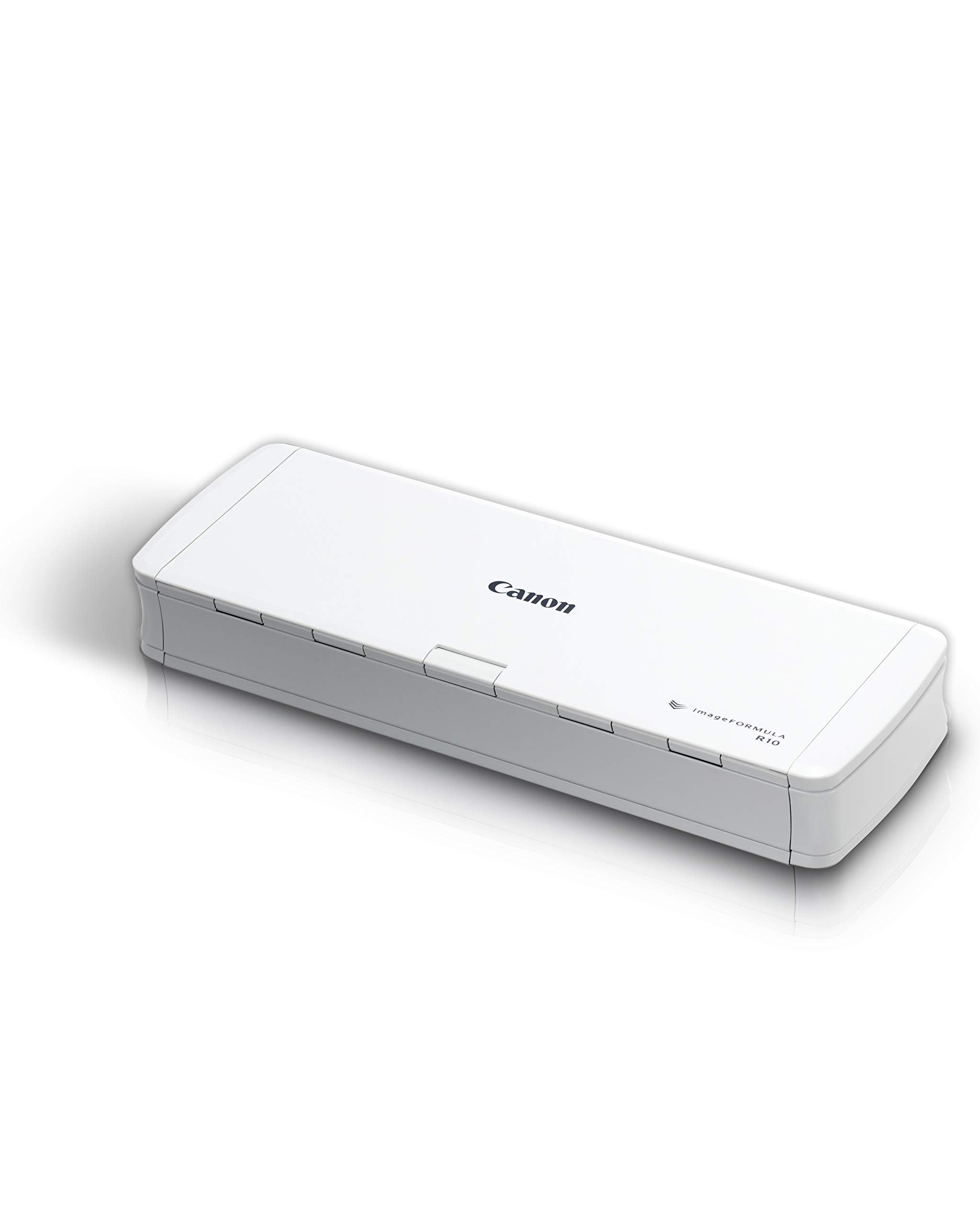

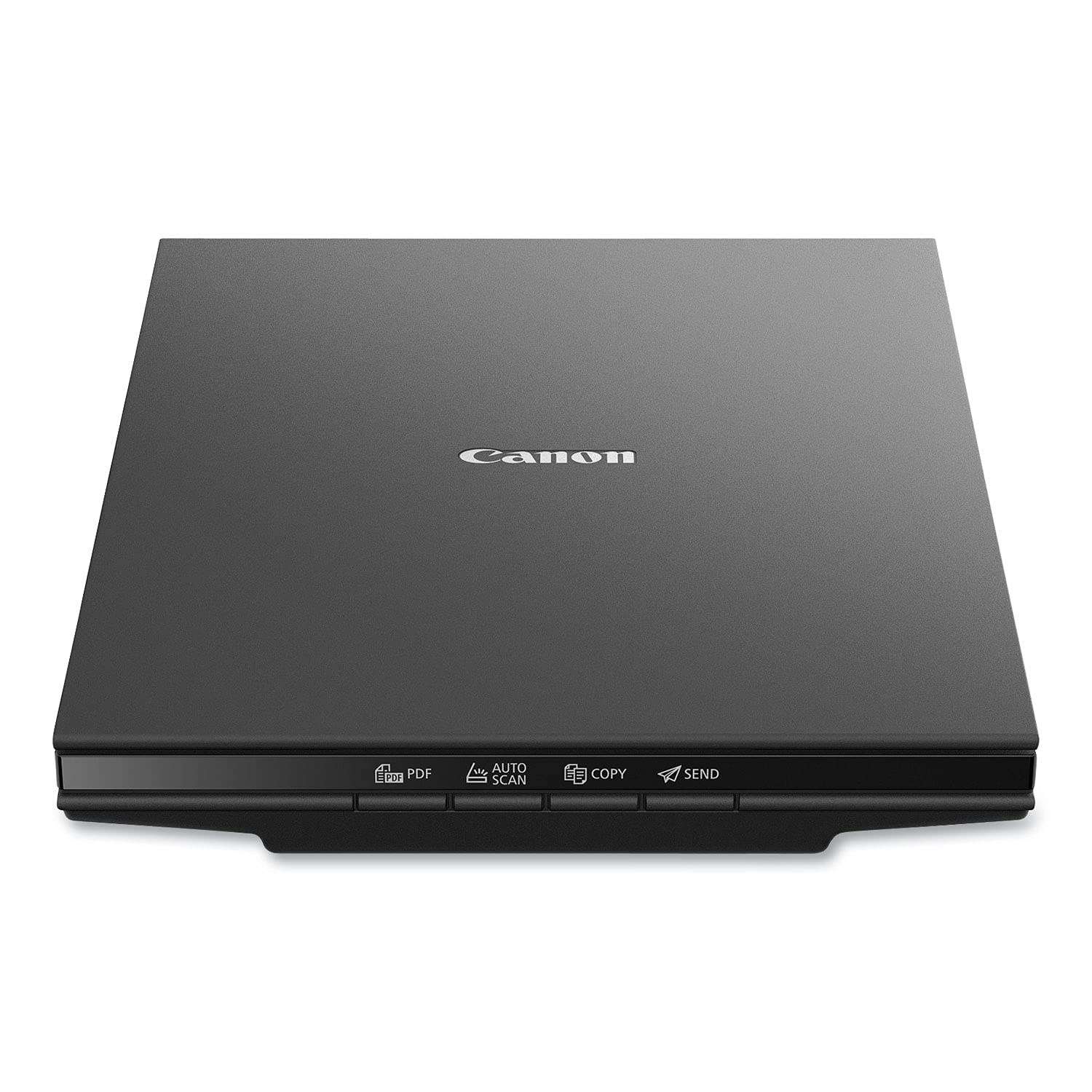
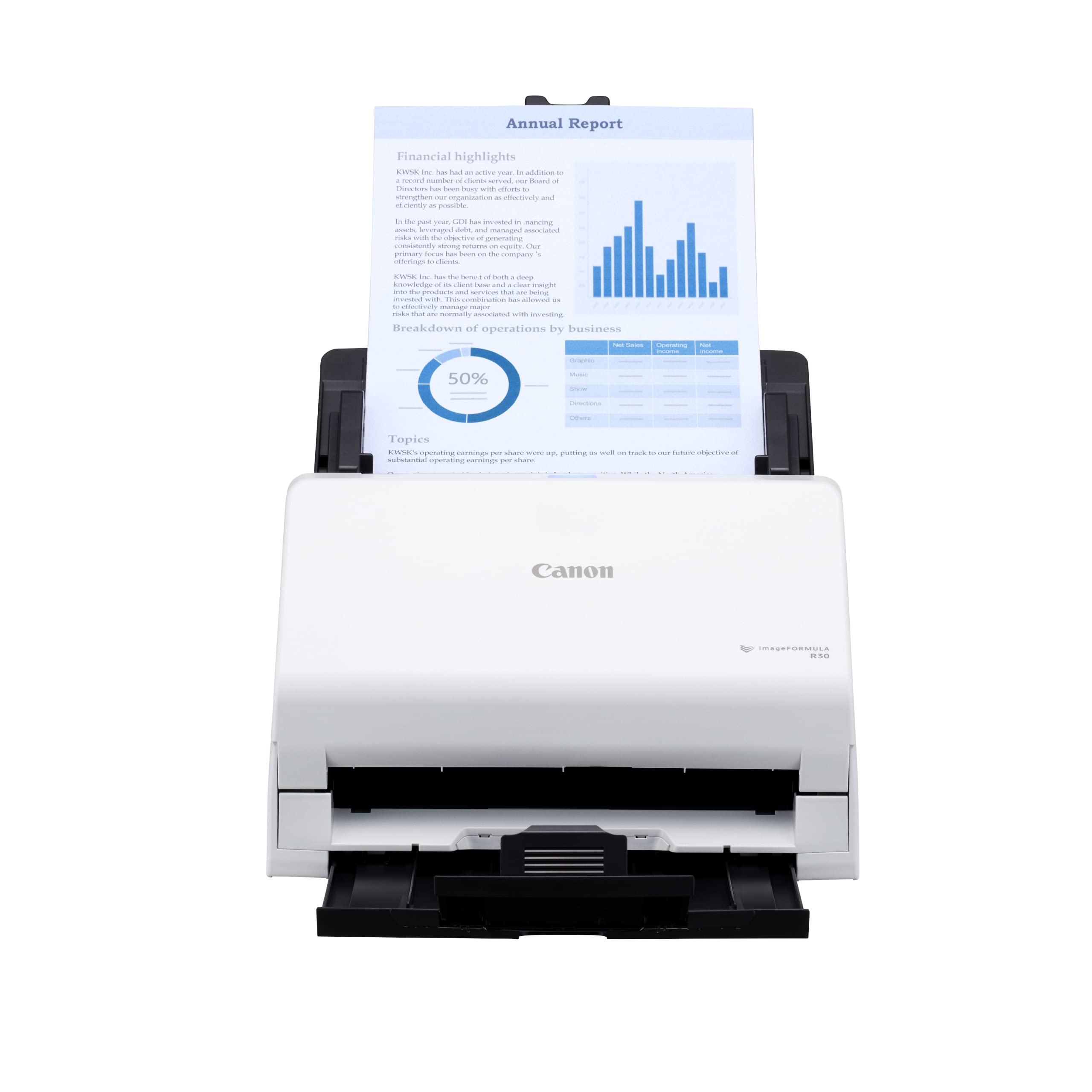


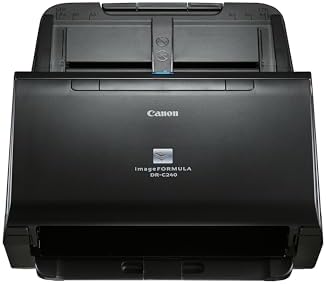
Canon DR-C240 Office Document Scanner
Pattern:
Scanner
Disponibilidad
En stock
En stock
Peso con empaque
4.23 kg
4.23 kg
Devolución
Si
Si
Condición
Nuevo
Nuevo
Producto de
Amazon
Amazon
Sobre este producto
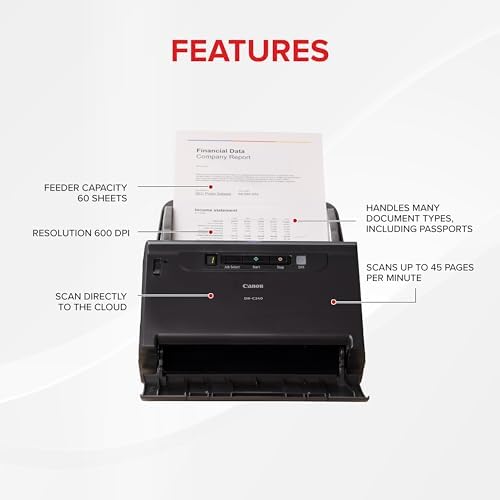
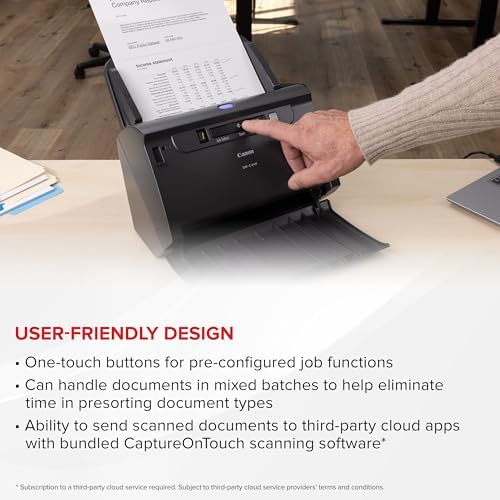
- Stay organized: Easily convert your paper documents into digital formats (searchable PDF, JPG, and more) or scan directly to the cloud (Dropbox, Google Drive, OneDrive, Box, QuickBooks Online, Evernote, SharePoint, and more)
- Reliably handles many different document types: Passports, receipts, photos, business cards, plastic or embossed cards, reports, contracts, long documents, thick or thin documents, and more
- Fast and efficient: Scans both sides of a document at the same time, in color, at up to 45 pages-per-minute, with a 60 sheet automatic feeder, and one-touch operation
- Broad compatibility: Supports Windows and Mac; TWAIN driver also included
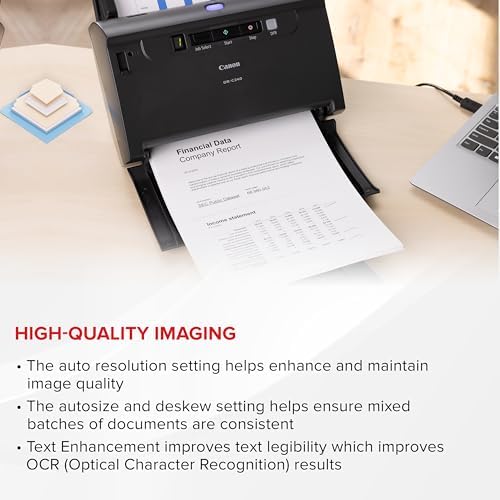
- Bundled software: Powerful, yet easy-to-use scanning software, as well as a tool for businesses to create, view, edit, convert, and collaborate with PDF files, and Kofax VRS to reduce the time involved in manual document preparation and automatically enhance the quality of scanned images
- Backed by a one-year warranty and US-based technical support
₡ 307,258
21% OFF
₡ 243,053
IMPORT EASILY
By purchasing this product you can deduct VAT with your RUT number
₡ 307,258
21% OFF
₡ 243,053
Llega en 5 a 10 días hábiles
Con envío
 Tienes garantia de entrega
Este producto viaja
de USA ![]() a tus manos en
a tus manos en
![]()
 a tus manos en


Compra protegida
Disfruta de una experiencia de compra segura y confiable
![]() Garantía de entrega
Garantía de entrega
Con Tiendamia todas tus compras cuentan con Garantía de Entrega o devolución total de tu dinero.
Compras 100% seguras y garantizadas, para que pidas lo que sueñas y lo recibas del mundo a tu puerta.
Tarjetas de Débito y Crédito
Pagando en Colones ( ₡ )

Visa

Mastercard

American Express
Pagos a través de PayPal
Compra procesada en dólares con dinero en cuenta o tarjetas internacionales.

PayPal
Conocé más detalles
With its powerful document capture capabilities and dynamic ability to scan various document types, this scanner can easily convert paper-based documents into high-quality, digital files for any office environment. A dynamic feeding system scans both sides of a black/white item in a single pass at up to 45 pages per minute. Double-feed release functions and a one-touch release button allow scanning to resume when double-feed is detected for a seamless scanning experience. Easy-to-use operation panel features accessible controls to start scanning operations, preconfigure job tasks and more. CaptureOnTouch lets you route scanned images directly to cloud applications such as Evernote, Microsoft SharePoint and Google Docs, and output images in multiple file formats. ISIS/TWAIN drivers provide easy integration with third-party software. Character emphasis and text enhancement help improve text legibility on hard-to-read documents to ensure accurate document capture.

