




 Garantía de entrega




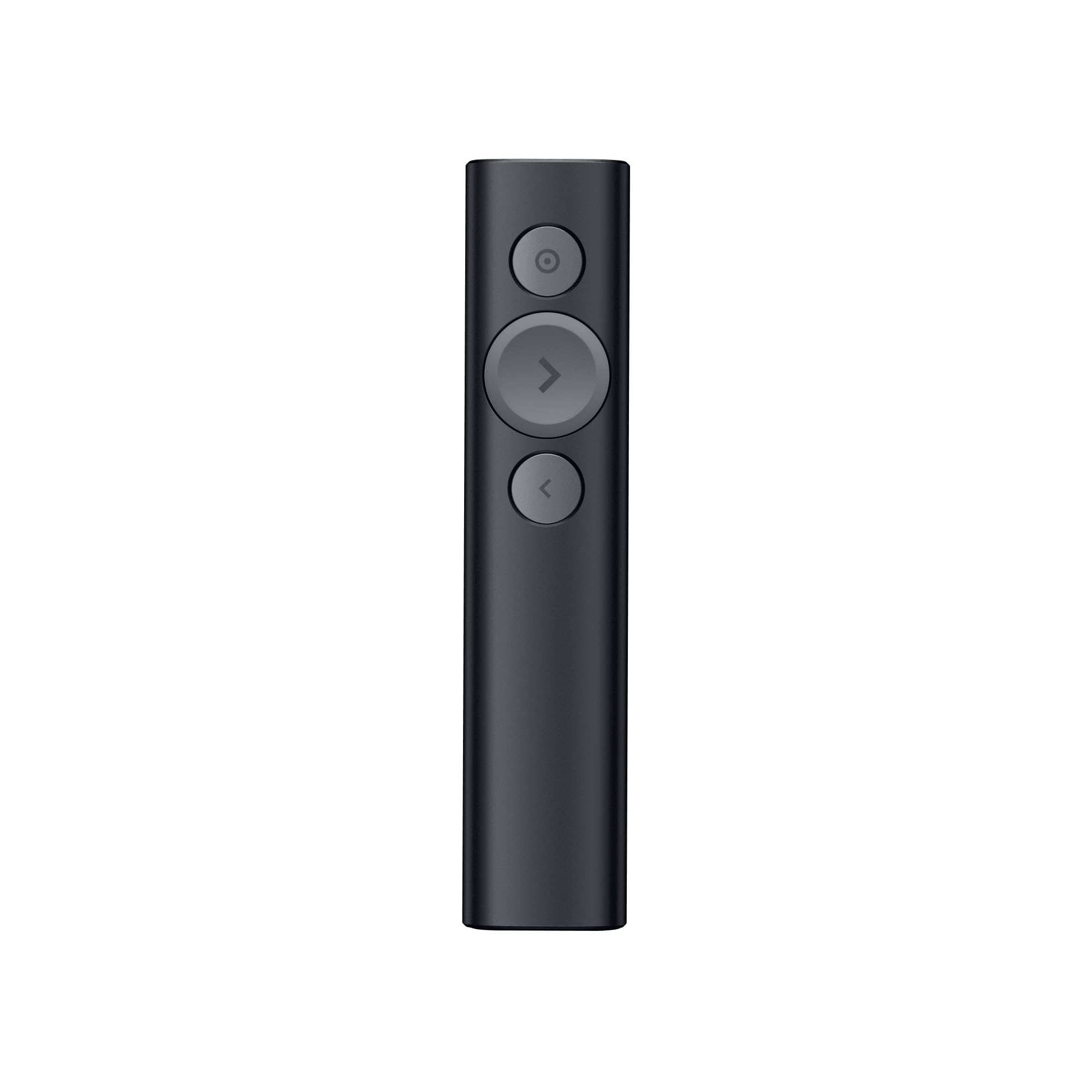

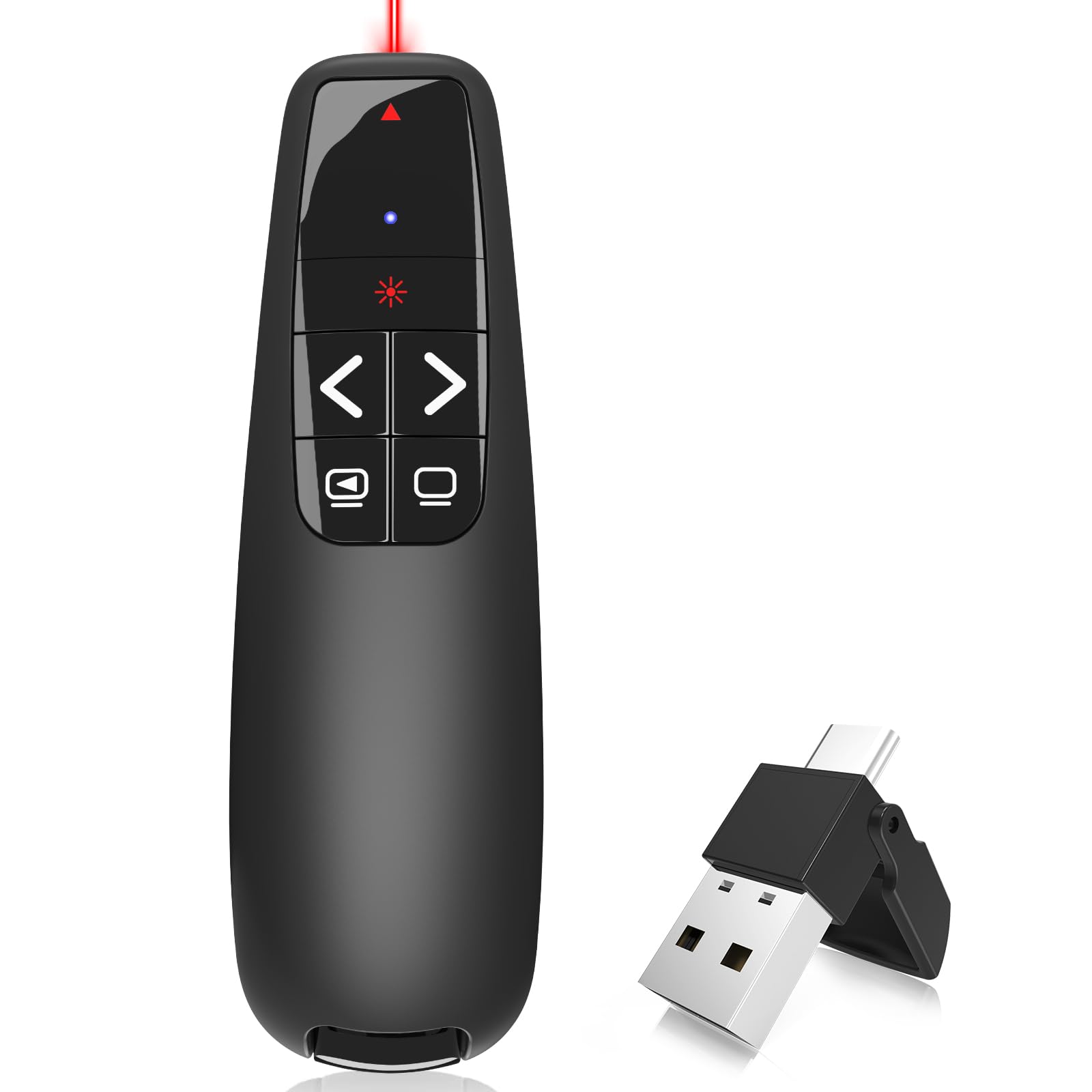
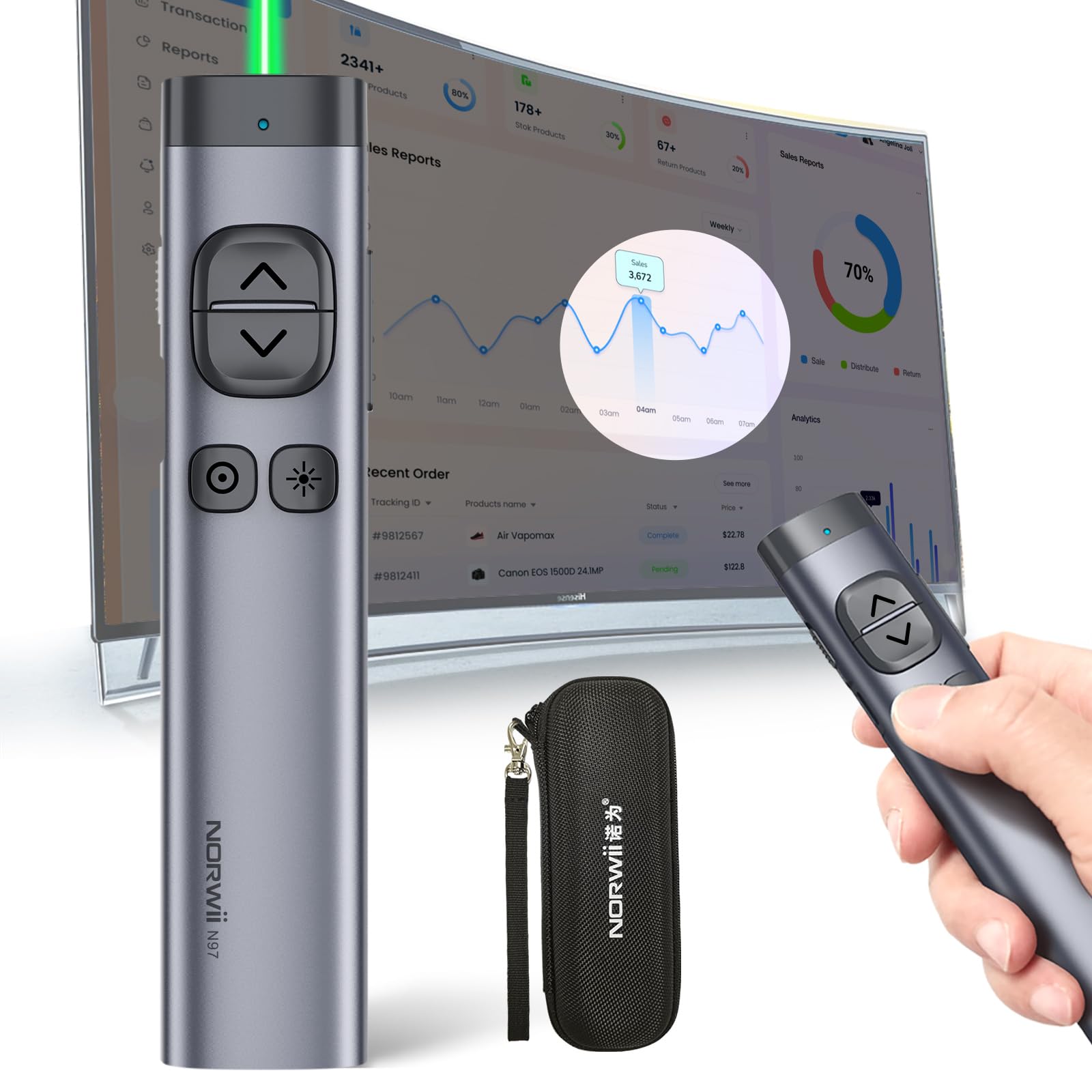


Red star tec
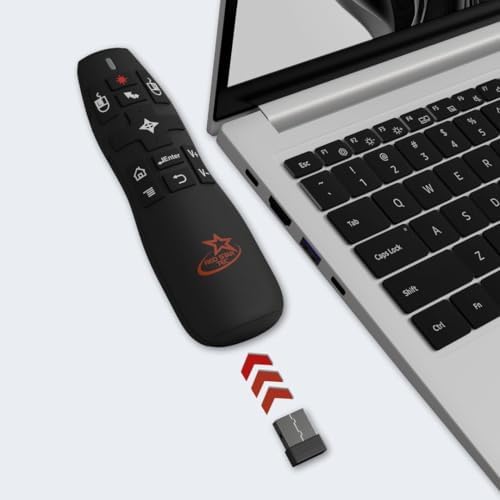
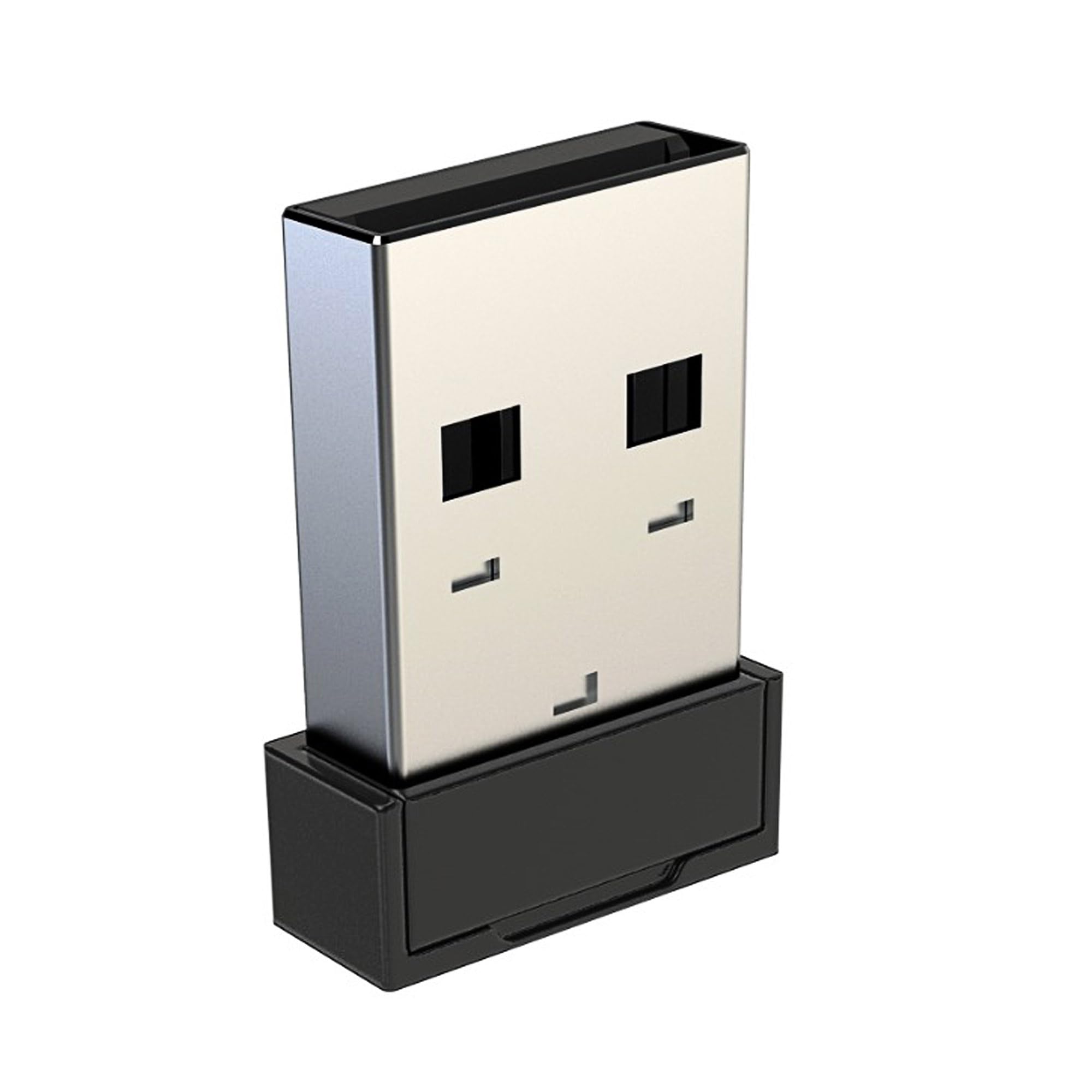
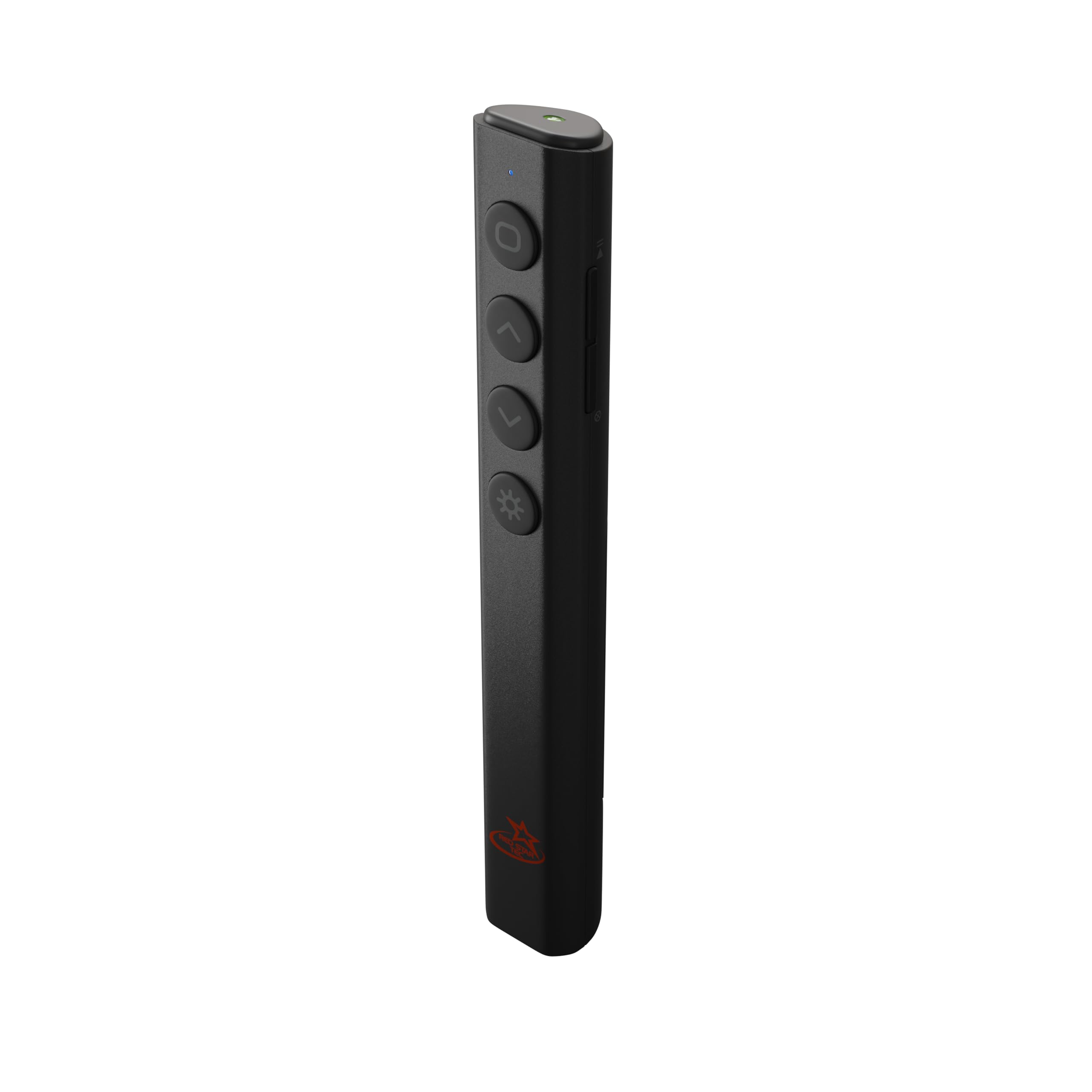
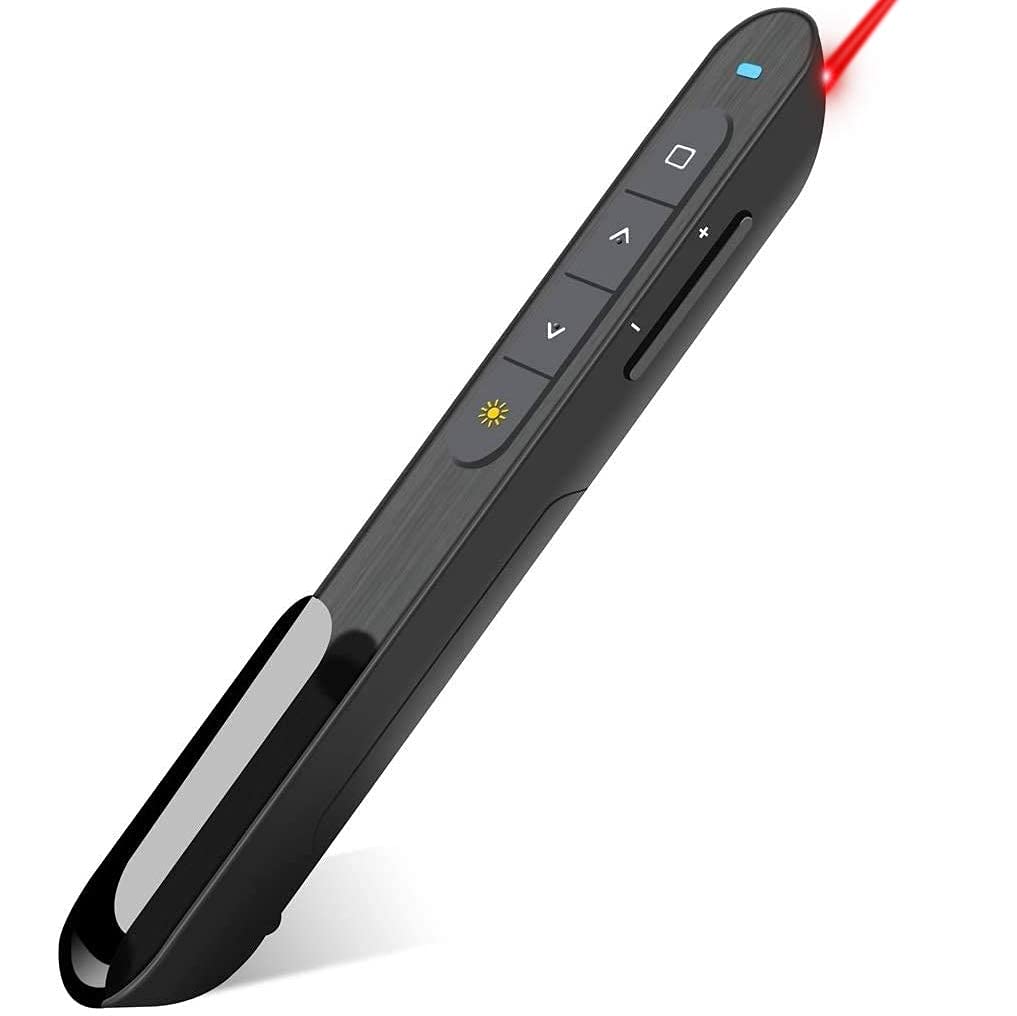
Red Star Tec Powerpoint/Keynote Clicker USB Receiver PR-820
Disponibilidad
En stock
En stock
Peso con empaque
0.20 kg
0.20 kg
Devolución
Si
Si
Condición
Nuevo
Nuevo
Producto de
Amazon
Amazon
Sobre este producto
- How to connect your new usb receiver with your PR-820 remote ?
- 1. Place the batteries inside the remote and switch off the remote.
- 2. Press and hold the left-click button on the remote and turn on the presentation remote. You will see the rapid flashing blue light indicating that the remote is looking for the USB receiver.
- 3. Now insert the USB receiver into your Laptop/computer and wait for 10 -20 seconds. Once the remote finds the receiver you will see a steady blue light that indicates the remote is now working as intended.
- 4. Switch off and switch back on the remote and you can now use the remote
- If you're having trouble connecting your new receiver with your remote, please don't hesitate to reach out to us through email or social media platforms so we can further assist you
₡ 10,792
IMPORT EASILY
By purchasing this product you can deduct VAT with your RUT number
₡ 10,792
Llega en 5 a 10 días hábiles
Con envío
 Tienes garantia de entrega
Este producto viaja
de USA ![]() a tus manos en
a tus manos en
![]()
 a tus manos en


Compra protegida
Disfruta de una experiencia de compra segura y confiable
![]() Garantía de entrega
Garantía de entrega
Con Tiendamia todas tus compras cuentan con Garantía de Entrega o devolución total de tu dinero.
Compras 100% seguras y garantizadas, para que pidas lo que sueñas y lo recibas del mundo a tu puerta.
Tarjetas de Débito y Crédito
Pagando en Colones ( ₡ )

Visa

Mastercard

American Express
Pagos a través de PayPal
Compra procesada en dólares con dinero en cuenta o tarjetas internacionales.

PayPal

