





 Garantía de entrega










Microsoft
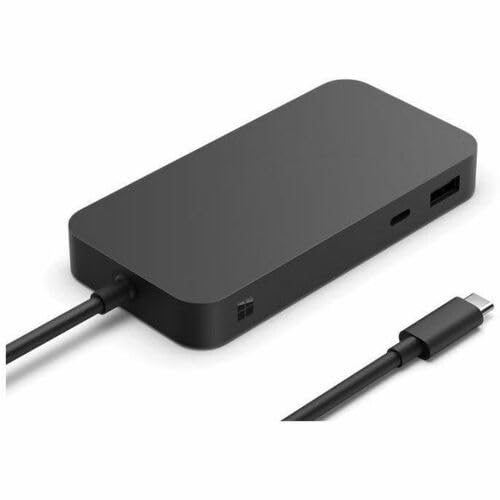
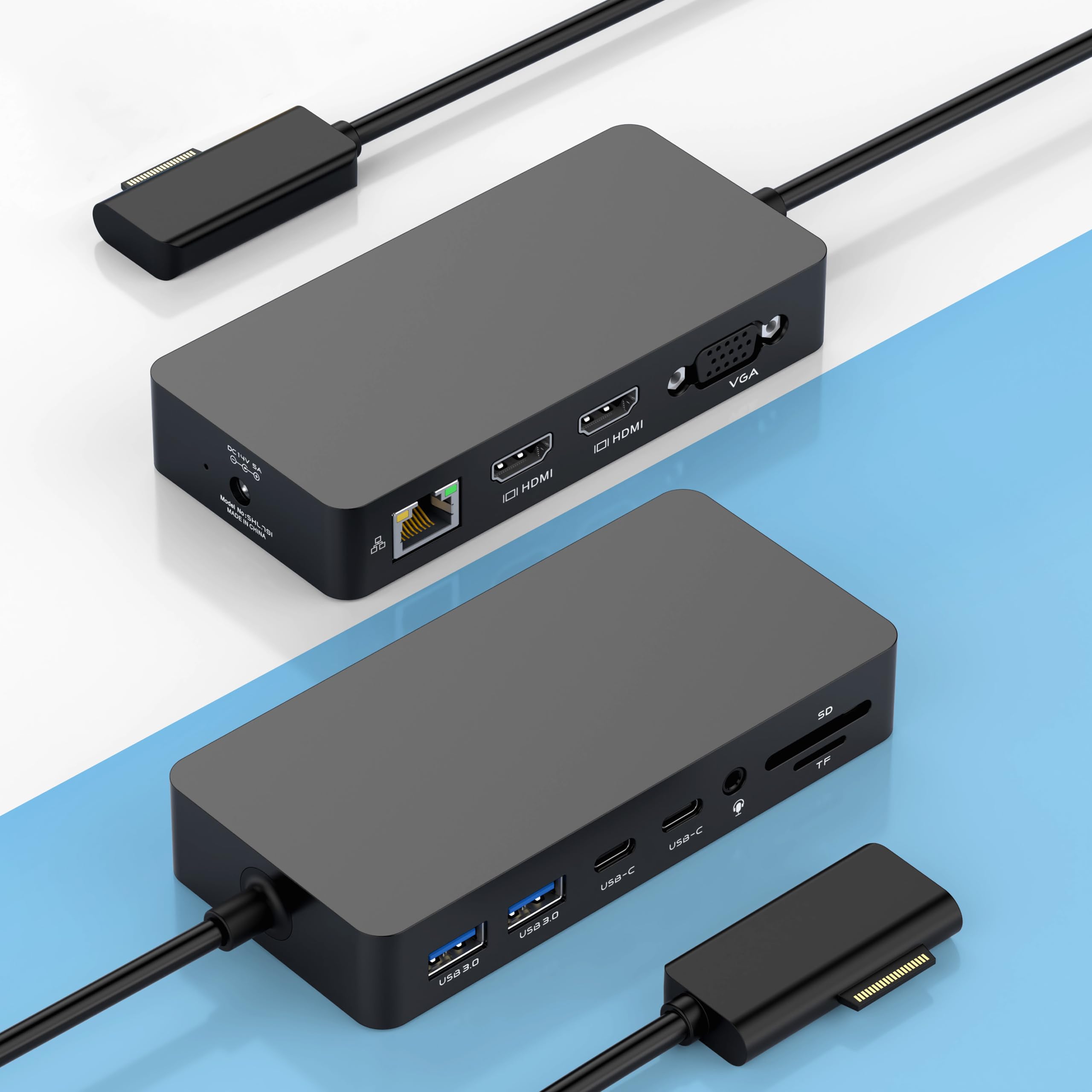
Microsoft Surface USB4 Dock – Gigabit Ethernet, USB C to 2xUSB-C/1xUSB-A/HDMI (65W Power Delivery) - Black
Disponibilidad
En stock
En stock
Peso con empaque
0.74 kg
0.74 kg
Devolución
Si
Si
Condición
Nuevo
Nuevo
Producto de
Amazon
Amazon
Sobre este producto
- Four times data transfer speed than USB 3.2 with up to 40Gbps(1) speed.
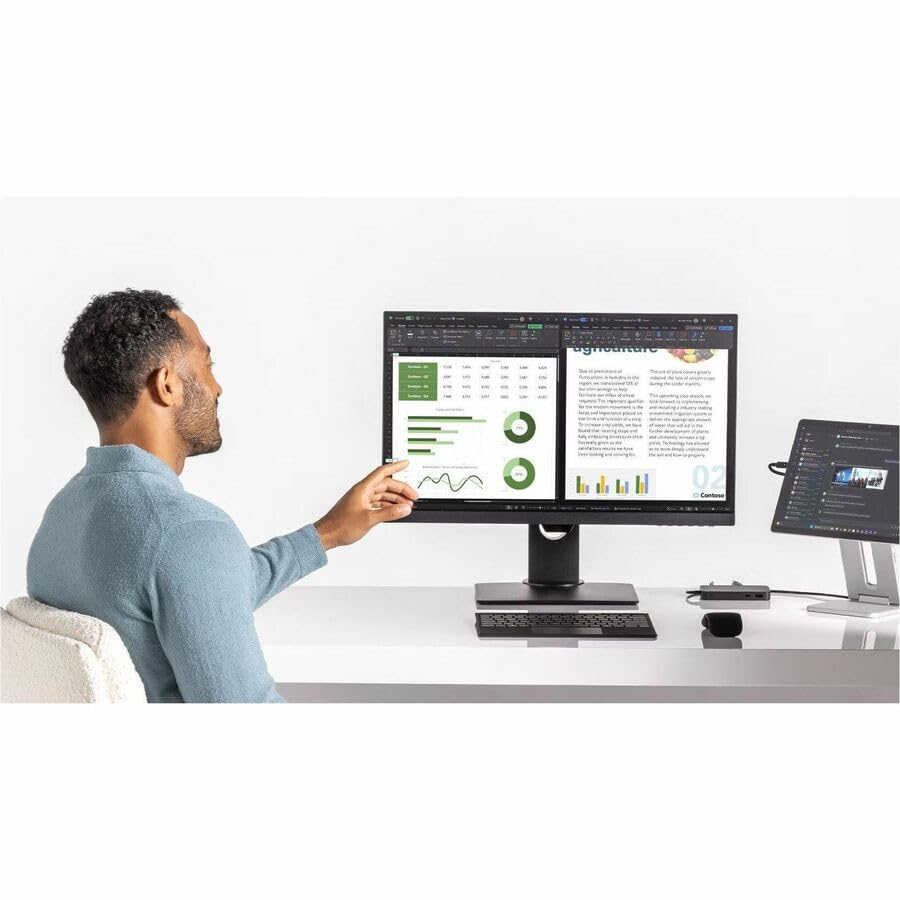
- Supports either two 4K monitors(2) at 60Hz via USB-C (2,3) or HDMI 2.1 ports, or a single 8K monitor at 30Hz via USB-C port
- Supports fast charging with up to 65W power passthrough via USB-C for your device and connected accessories.
- Surface USB4 Dock's sleek and compact design ensures your workspace remains neat and well-organized.
- Supports Giga Ethernet, ensuring a fast and reliable connection.
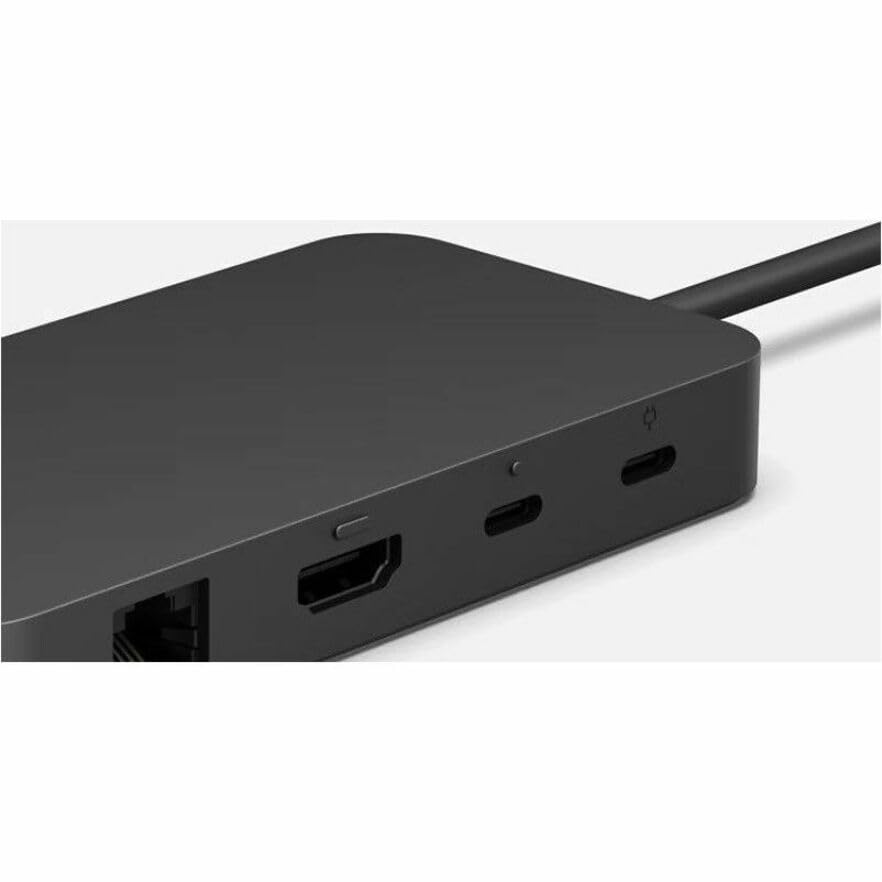
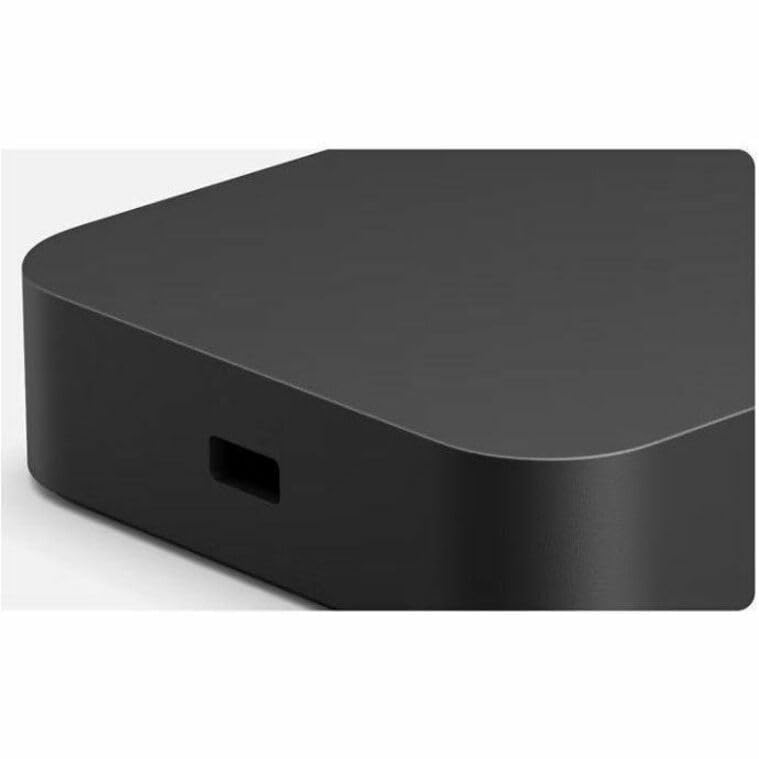
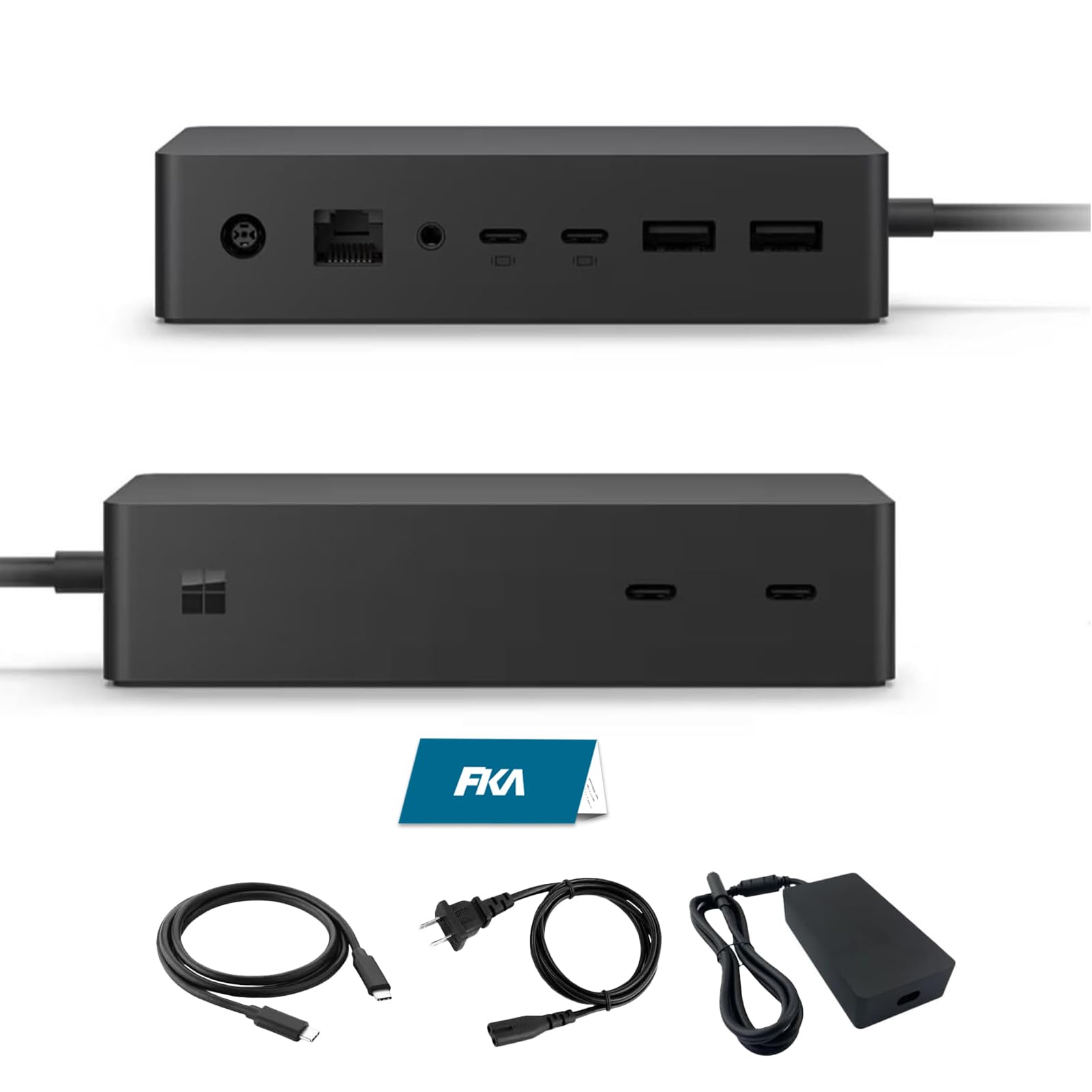
- Front and rear-facing ports have raised tactile indicators helping you find and identify ports with ease.
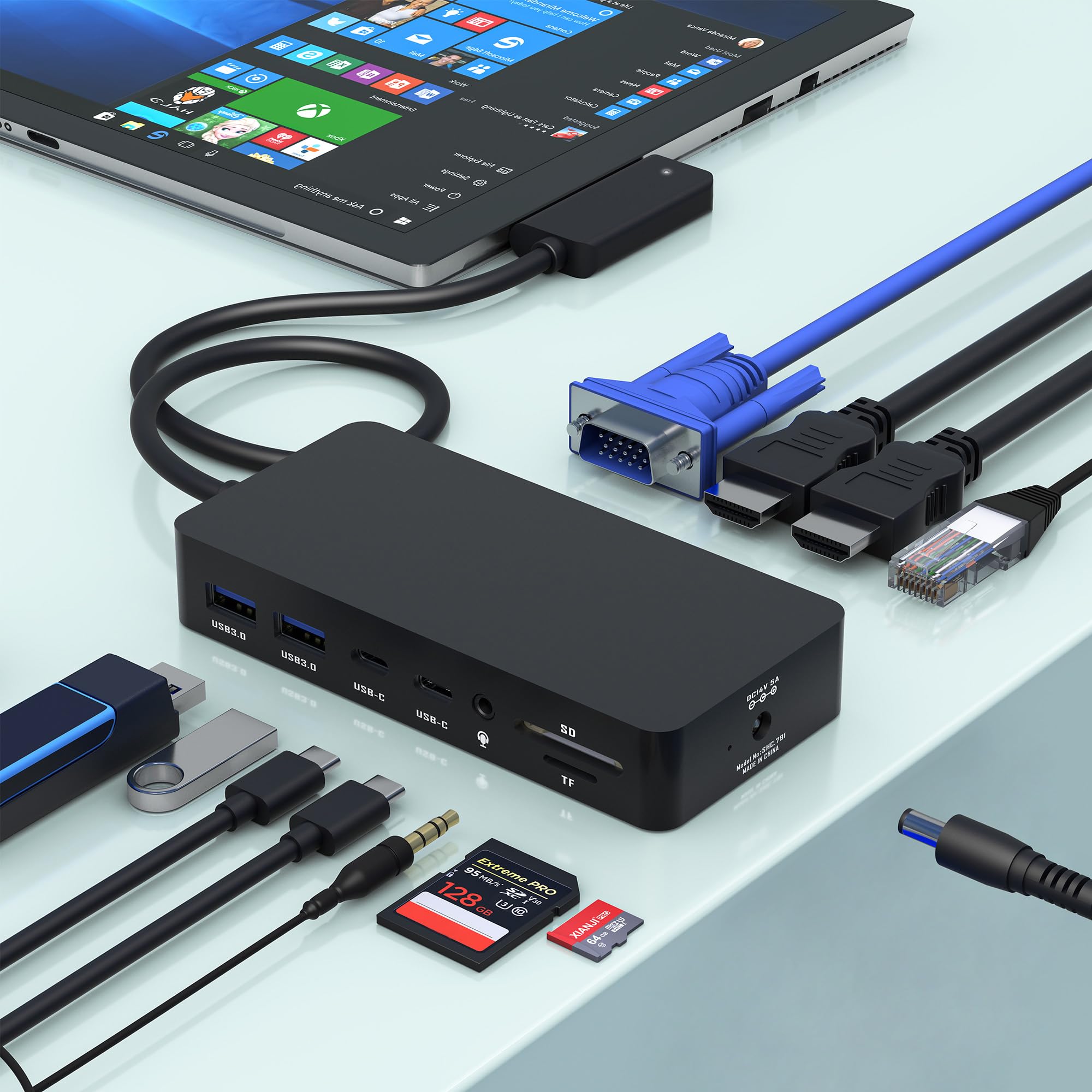
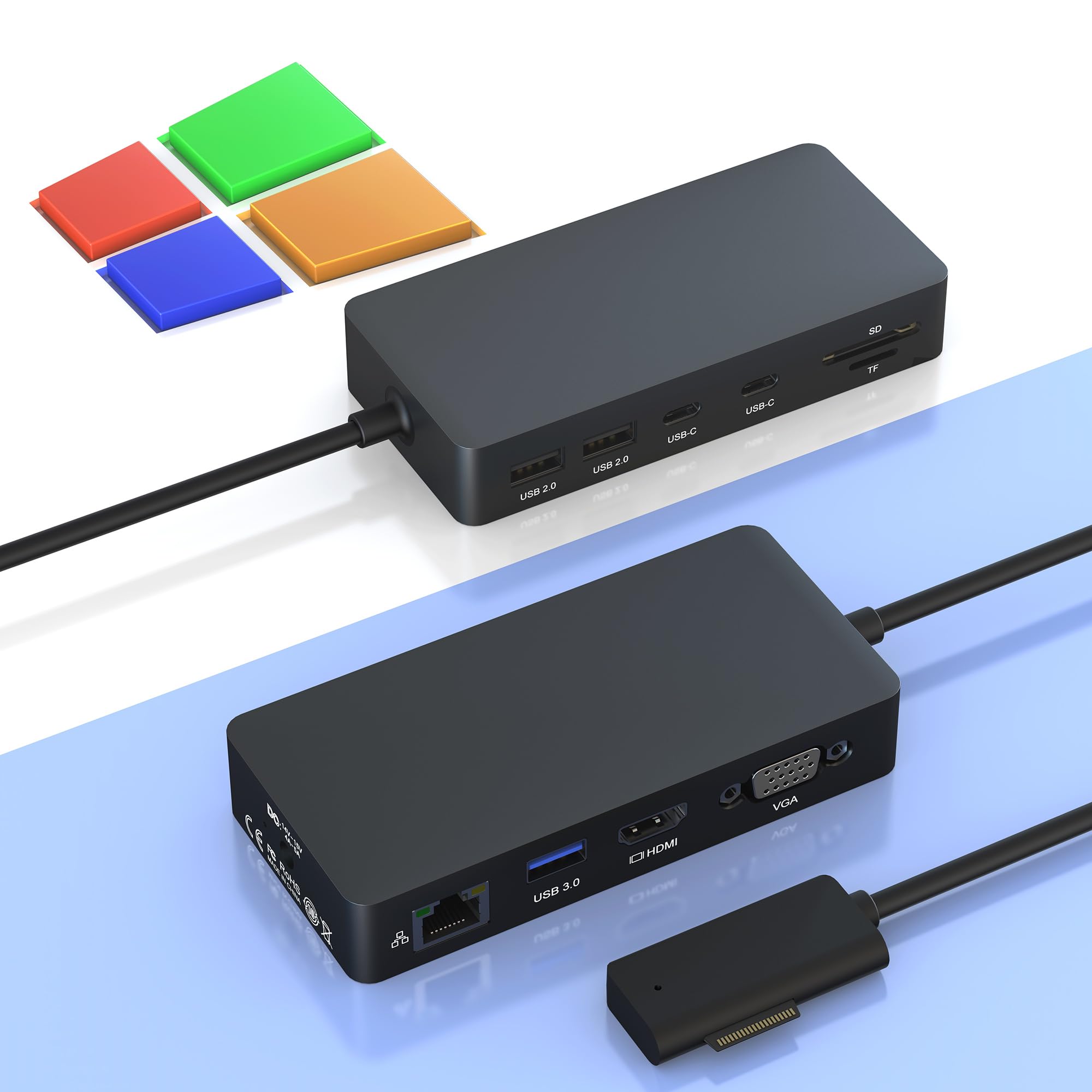
- Connect the peripherals you need via two USB-C one USB-A HDMI and Ethernet ports.
₡ 113,963
20% OFF
₡ 91,169
IMPORT EASILY
By purchasing this product you can deduct VAT with your RUT number
₡ 113,963
20% OFF
₡ 91,169
Llega en 5 a 10 días hábiles
Con envío
 Tienes garantia de entrega
Este producto viaja
de USA ![]() a tus manos en
a tus manos en
![]()
 a tus manos en


Compra protegida
Disfruta de una experiencia de compra segura y confiable
![]() Garantía de entrega
Garantía de entrega
Con Tiendamia todas tus compras cuentan con Garantía de Entrega o devolución total de tu dinero.
Compras 100% seguras y garantizadas, para que pidas lo que sueñas y lo recibas del mundo a tu puerta.
Tarjetas de Débito y Crédito
Pagando en Colones ( ₡ )

Visa

Mastercard

American Express
Pagos a través de PayPal
Compra procesada en dólares con dinero en cuenta o tarjetas internacionales.

PayPal
Conocé más detalles
[1] Surface USB4® Dock is compatible with USB-C® devices. However, when connected, it operates at the speeds and capabilities of the USB-C port. USB-C/USB 3.2 connection supports one external display up to 4K at 60Hz (when supported by device and display). Or you can daisy chain more monitors, as described in the section on this page: https://learn.microsoft.com/surface/surface-dock-whats-new#connect-multiple-monitors-to-devices-without-usb4thunderbolt-4. [2] Requires device with USB4®/Thunderbolt 4 port and a supported device and display. [3] USB-C® is a registered trademark of USB implementers Forum. [4] Additional compatibility details can be found at https://aka.ms/SurfaceDockCompatibility. [5] For details on USB-C charging compatibility visit: https://support.microsoft.com/en-us/surface/usb-c-and-fast-charging-for-surface-d320ab19-e4ed-c36d-7458-7d7aec69d34a

